

Keyword research can feel harder than it needs to be. A small business does not need a list of ten thousand keywords. It needs a short list of useful search terms that match real customer problems, fit the site, and can lead to a clear next step.
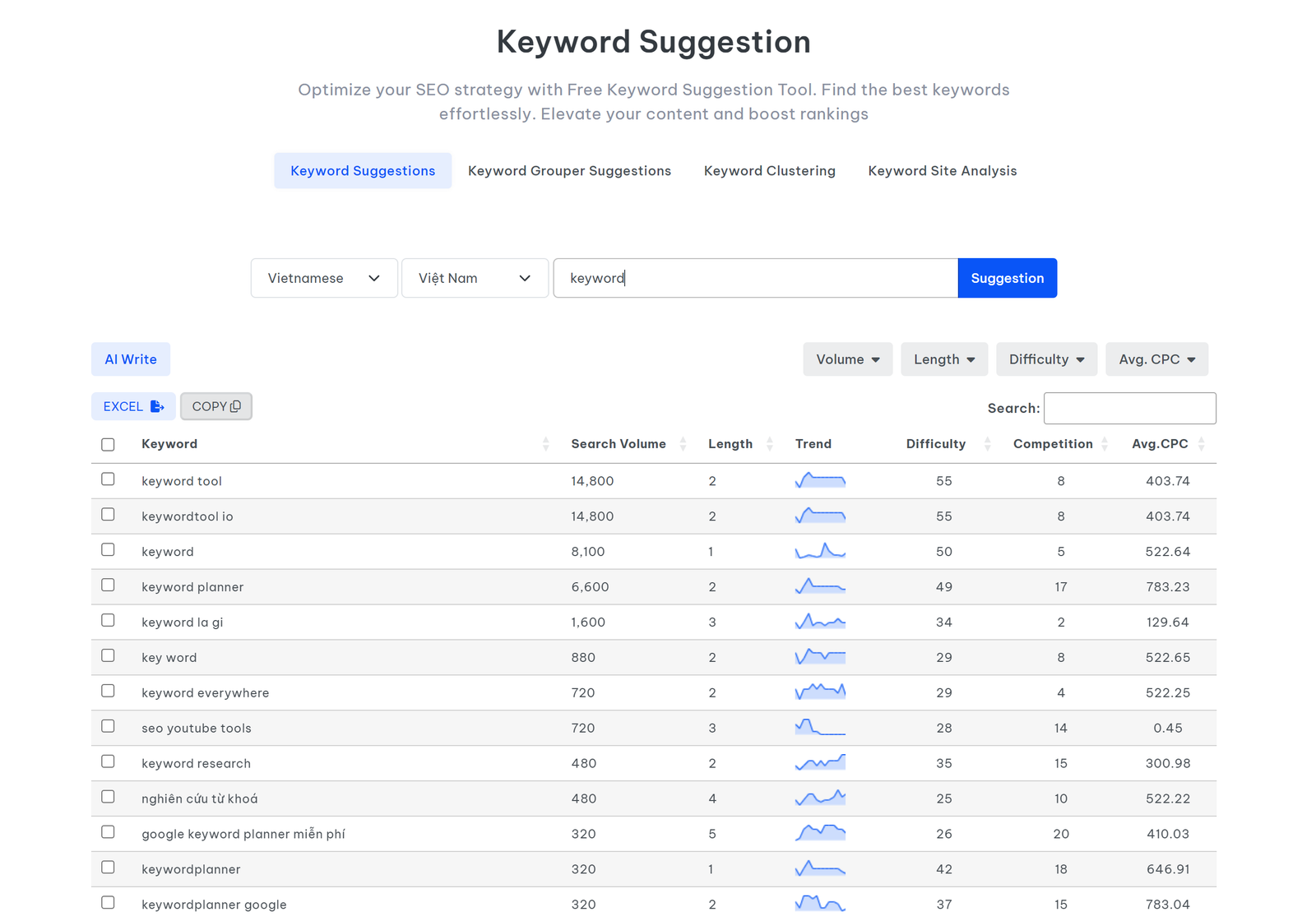
This guide shows a practical way to do small business keyword research in 2026. You will learn how to find keyword ideas, judge search intent, spot realistic opportunities, map terms to pages, and turn the research into a simple content plan. The goal is not to chase every search. The goal is to attract the right people with pages that answer their questions well.
The process uses free or widely available tools such as Google Keyword Planner and Google Search Console. It also follows the people-first approach described by Google Search Central.
What small business keyword research should achieve
A keyword is useful only when it helps you make a better page or reach a better visitor. Search volume alone is not enough. A phrase with 200 searches a month can be more valuable than a phrase with 20,000 searches if the smaller phrase closely matches what you sell.
Good keyword research should answer five questions:
- What problem is the searcher trying to solve?
- Is the person looking for information, a product, a service, or a local business?
- Can your website give a strong answer?
- Which page should target that search?
- What should the visitor do after reading the page?
For example, a local accountant may be tempted to target “tax.” That term is broad and hard to serve well. “Small business tax accountant in Austin” is far more specific. A page built for that query can explain services, location, pricing approach, documents to prepare, and how to book a consultation.
Step 1: Start with customer problems, not SEO tools
Before you open any keyword tool, write down the questions customers already ask. This creates a list based on real demand rather than software suggestions.
Collect questions from real conversations
Check sales calls, support emails, contact forms, reviews, live chat, and comments. Write each question in the customer’s own words. Do not clean the language yet. Natural phrasing can reveal useful long-tail keywords.
A home cleaning company might collect questions such as:
- How much does a deep clean cost?
- Do I need to be home during the cleaning?
- What is included in a move-out clean?
- How long does a deep clean take?
- Do cleaners bring their own supplies?
Each question can become a keyword seed. More important, each one points to a real decision a customer must make.
Create five simple seed groups
Place your ideas into broad groups: services, problems, comparisons, locations, and questions. This keeps the research organized.
| Group | Example | Likely page type |
|---|---|---|
| Service | office cleaning service | Service page |
| Problem | remove pet odor from carpet | How-to article |
| Comparison | deep cleaning vs regular cleaning | Comparison guide |
| Location | house cleaning in Denver | Local service page |
| Question | how often should a house be deep cleaned | Informational article |
Step 2: Expand the list with Google Keyword Planner
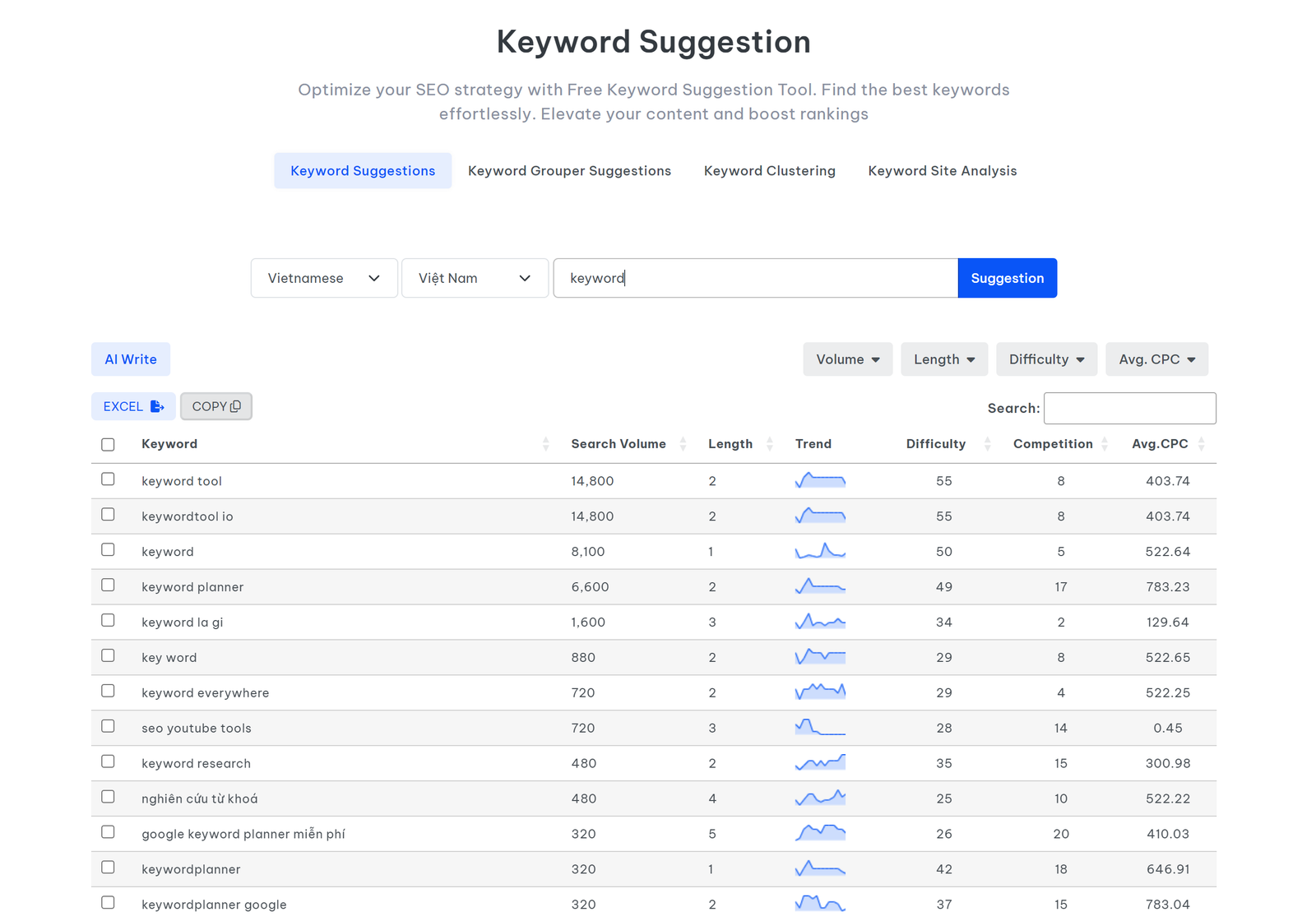
Google Keyword Planner can suggest related terms and show search estimates. Google explains that the tool can help users discover keywords, review search estimates, see cost information, and organize terms into groups.
Use it as an idea tool, not as a final decision maker.
A practical Keyword Planner workflow
- Enter three to five seed terms that describe one service or customer problem.
- Set the country or city that matters to your business.
- Review related ideas.
- Remove terms that do not match your offer.
- Save phrases that show clear intent.
- Group similar terms instead of creating a new page for every wording change.
Suppose a small landscaping company enters “lawn care,” “lawn mowing,” and “yard maintenance.” The tool may surface close variants and related services. The owner should not target every phrase on a separate page. If several terms mean almost the same thing, one strong service page can cover them naturally.
Step 3: Learn the four main types of search intent

Search intent is the reason behind a query. Matching intent is often more important than adding the exact keyword many times.
Informational intent
The user wants an answer or explanation. Examples include “how to choose running shoes” and “what does a bookkeeper do.” These searches work well for guides, tutorials, checklists, and FAQs.
Commercial research intent
The user is comparing options before a purchase. Searches may include “best,” “top,” “review,” “vs,” or “alternative.” A useful page should help the reader compare choices fairly.
Transactional intent
The user is ready to take action. Examples include “hire wedding photographer,” “buy standing desk,” or “book carpet cleaning.” Service and product pages should handle these terms.
Local intent
The user wants something in a place. A phrase may include a city, neighborhood, “near me,” or another location signal. Local landing pages can help when they contain real local information instead of copied city-name swaps.
Step 4: Check the search results before choosing a keyword
A keyword tool cannot fully tell you what kind of page searchers expect. The search results can.
Search the phrase yourself. Look at the first page and note the page types. Are they guides, product pages, category pages, videos, local results, or comparison articles?
If you want to rank a service page for a query but the results are almost all tutorials, the intent may not fit your page. You can either choose a different keyword or create a useful article for that topic.
Use a simple SERP check
- What page type appears most often?
- How specific are the top results?
- Do results focus on beginners or advanced users?
- Are local businesses shown?
- Do videos or images dominate?
- What useful question is still not answered well?
The last question is important. A new site rarely wins by copying the same ten headings found everywhere else. It can compete by being clearer, more practical, more specific, or better suited to a defined audience.
Step 5: Judge keyword difficulty without obsessing over a score
Many SEO tools show a keyword difficulty score. It can help, but it is not a universal truth. Different tools use different methods.
For a small site, use a manual reality check as well. Look at the sites that already rank. Ask whether they are large national brands, government sites, major publishers, or smaller businesses like yours.
A good early target often has three traits:
- The search is specific.
- The intent matches your offer or expertise.
- You can create a page that is more useful for a defined audience.
For example, “email marketing” is broad. “Email marketing checklist for a new dental practice” has less reach, but it gives a small marketing consultant a clearer way to provide useful advice.
Step 6: Use long-tail keywords to reach clearer needs
Long-tail keywords are longer and more specific phrases. They often reveal what a searcher wants more clearly than broad head terms.
Compare these examples:
| Broad term | More specific term | Why the long-tail term helps |
|---|---|---|
| CRM | simple CRM for a two-person sales team | Clear company size and need |
| SEO | local SEO checklist for a new restaurant | Clear task and business type |
| accounting | bookkeeping for freelance designers | Clear service and audience |
| email software | email marketing tool for a small nonprofit | Clear buyer profile |
Do not force long phrases into every paragraph. Write naturally. Use the main phrase in the title, introduction, one heading where useful, and a few natural places in the text. Use close variations when they make the sentence easier to read.
Step 7: Use Search Console to find keywords you already rank for
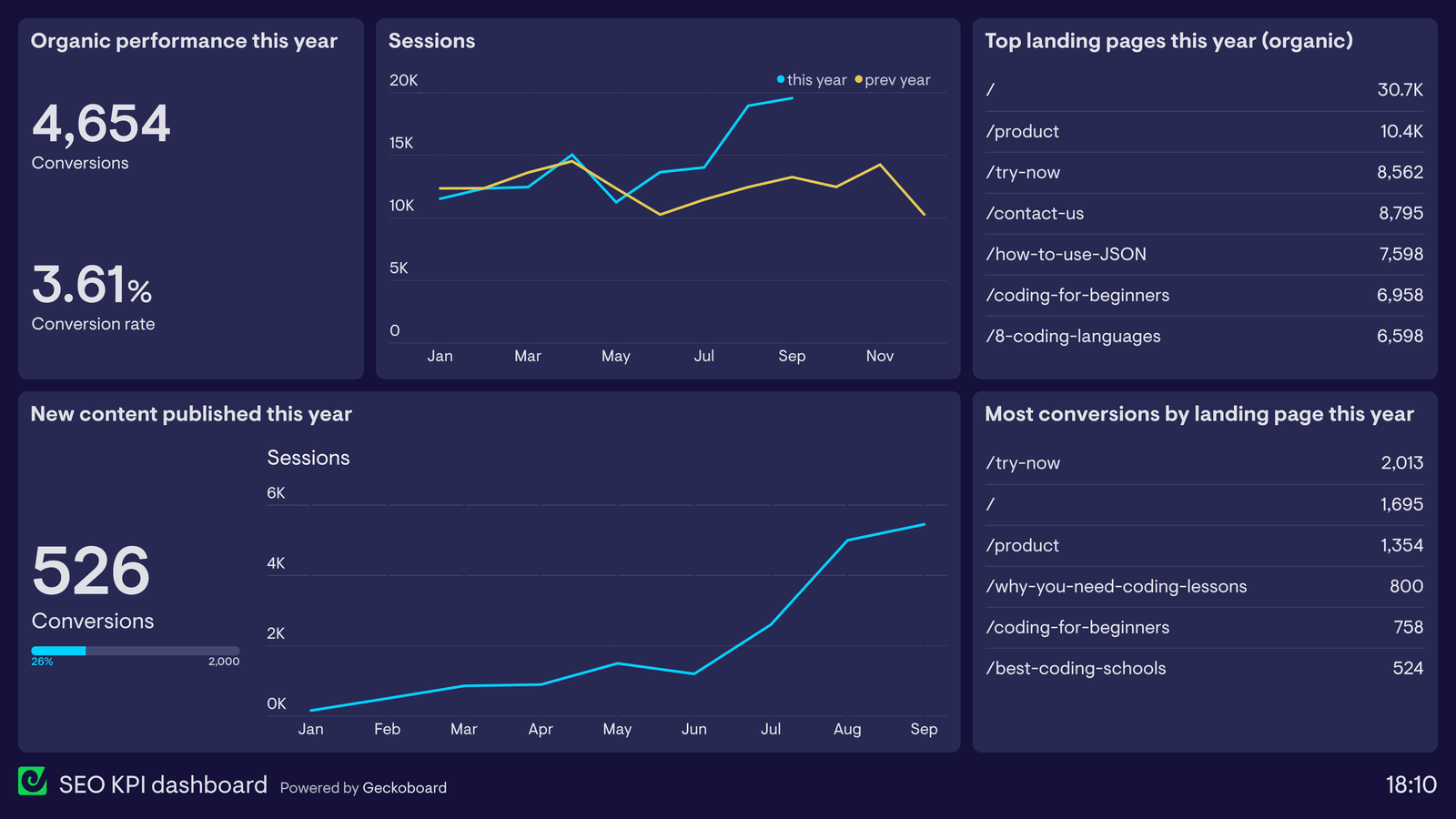
Once a site receives impressions in Google, Google Search Console becomes one of the best sources of real keyword data for that site.
Open the performance report and review queries, pages, clicks, impressions, and average position. Look for pages that receive impressions for useful terms but do not earn many clicks.
Three easy opportunities to find
- High impressions, low clicks: improve the title, description, and match between the query and the page.
- Queries near the first page: expand the page if you can add useful detail that is currently missing.
- Unexpected queries: if a page appears for a related question you barely cover, add a focused section or create a new supporting article.
This is more useful than guessing because the data comes from your own search visibility.
Step 8: Build keyword clusters instead of isolated articles
A keyword cluster is a group of closely related searches that can be served by one main page and a few supporting pages.
Imagine a small digital agency wants to cover local SEO. A simple cluster could be:
- Main guide: Local SEO for small businesses
- Supporting guide: How to optimize a Google Business Profile
- Supporting guide: Local keyword research
- Supporting guide: How to earn local citations
- Supporting guide: How to ask customers for useful reviews
Each supporting article should solve a distinct problem. Link them to the main guide when relevant. This creates a useful path for readers and helps avoid many thin pages that repeat the same advice.
Step 9: Map each primary keyword to one main page
Keyword mapping prevents two pages from trying to solve the same search need. Create a simple sheet with one row per important page.
| Page | Primary keyword | Secondary keywords | Intent | Next action |
|---|---|---|---|---|
| Payroll service page | small business payroll service | payroll help for small business, managed payroll | Transactional | Request quote |
| Payroll cost guide | how much does payroll service cost | payroll pricing, payroll fees | Commercial | Compare plans |
| Payroll setup guide | how to set up payroll | new business payroll setup | Informational | Read service page |
If two pages target the same need, decide which one should be the main page. Then merge, redirect, or reposition the weaker page when appropriate.
Step 10: Score opportunities with a simple four-part system
You do not need a complex formula. Give each keyword a score from one to five for these factors:
- Business fit: How closely does it relate to what you offer?
- Intent value: How likely is the searcher to take a useful next step?
- Content fit: Can you produce a strong answer based on real knowledge or research?
- Competition fit: Does the search result leave room for a smaller site?
Add the scores. Work on the highest combined opportunities first. Search volume can be a fifth factor, but it should not replace relevance.
How to turn keyword research into a 12-week content plan

A small business can make steady progress with one strong page each week. Here is a simple plan:
- Weeks 1–3: improve the three highest-value service or product pages.
- Weeks 4–6: answer common pre-sale questions.
- Weeks 7–9: publish comparison or decision guides.
- Weeks 10–12: build supporting articles around the topic that showed the best early response.
Review Search Console data as it appears. Do not publish twelve unrelated articles just to meet a schedule. A focused site is easier for visitors to understand.
Common keyword research mistakes to avoid
Choosing keywords only by search volume
Large numbers can look attractive. They often hide weak intent. A small business usually needs relevant visitors more than large, unfocused traffic.
Creating one page for every keyword variation
“Affordable plumber,” “cheap plumber,” and “budget plumber” may not need three pages. If the search need is the same, one useful page can cover the topic.
Ignoring the actual search result
A phrase may sound perfect until you see that Google interprets it in a different way. Check the result before committing to a page.
Stuffing exact-match phrases
Repeated keywords make writing awkward and reduce trust. Use plain English. Google’s Search Central documentation is a better reference than old tactics built around repetition.
Publishing content with no next step
Every page should help the reader move forward. That may mean reading a related guide, checking a service, using a calculator, downloading a checklist, or contacting the business.
A practical keyword research checklist
- Start with real customer questions.
- Create seed terms for services, problems, comparisons, locations, and questions.
- Expand ideas with Keyword Planner or another trusted tool.
- Identify search intent.
- Inspect the current search results.
- Prefer specific terms that match your audience.
- Group close variations into one page.
- Map one main search need to each important URL.
- Use Search Console data once available.
- Review performance and update useful pages instead of publishing only new ones.
Frequently asked questions
How many keywords should a small business target?
There is no fixed number. Start with the pages that support your main products or services, then add closely related informational topics. Ten well-chosen keywords can be more useful than hundreds of unrelated terms.
Should one page target more than one keyword?
Yes, when the keywords share the same intent. One page can naturally rank for many close variations. Split topics only when the user needs a meaningfully different answer.
Are zero-volume keywords worth using?
Sometimes. Keyword tools are estimates and can miss new or very specific searches. A phrase can still be useful if it describes a real customer problem and fits your business.
How often should keyword research be updated?
Review important pages and Search Console data every few months. Update sooner when products, customer needs, locations, or search results change.
Do paid search estimates equal organic SEO traffic?
No. Paid tools can help with ideas and demand signals, but ad forecasts do not predict organic rankings or organic clicks.
Conclusion: build around useful search needs
Small business keyword research works best when it stays close to real customer needs. Start with the questions people already ask. Expand the list with reliable tools. Check search intent. Review the actual results. Then choose topics where your business can give a clear and useful answer.
Do not measure success by the size of your keyword spreadsheet. Measure it by whether the research helps you create better pages, attract the right visitors, and guide those visitors toward a useful next step. A focused plan is easier to maintain, easier to improve, and more valuable than a large list of keywords that never becomes good content.


One thought on “Keyword Research for Small Business Websites: A Practical 2026 Guide”