YouTube Shorts Strategy for Small Businesses: A Practical Content Plan
YouTube Shorts can help a small business reach people with short, focused videos while also supporting a longer-term YouTube channel. A useful Short can answer one question, show one process, compare two options, or lead viewers to a deeper video or website page.
The format is simple, but a good strategy needs more than posting random clips. You need clear topics, strong openings, useful visuals, repeatable production, and a way to measure whether the videos support real business goals.
This guide shows how a small team can use YouTube Shorts without building a full video studio. The focus is on practical content that helps viewers and can be produced consistently.
1. Decide What Role Shorts Will Play
Shorts can support several goals:
- Reach new people who do not know the brand.
- Answer common customer questions.
- Show product or service demonstrations.
- Build trust with expertise.
- Send viewers to longer YouTube videos.
- Support website visits and lead generation.
Choose one main purpose for the first month. It makes topic selection easier.
2. Set Up the Channel for Clarity
Your channel name, profile image, description, and links should make the business easy to identify. Organize longer videos and useful playlists if you have them.
Use the official YouTube Creators resources for current Shorts tools, channel features, and publishing guidance.
Make the channel useful beyond one Short
A viewer may watch one Short and then open your channel. Give them a clear next step. Use playlists, a strong channel description, and relevant longer videos when available.
3. Choose Content Pillars Based on Customer Needs
Do not start with “What can go viral?” Start with “What can we explain well in under a minute?”
Example for a digital agency
- Website mistakes
- SEO quick fixes
- Ad account basics
- Content planning tips
Example for a kitchen store
- Product demos
- Care tips
- Tool comparisons
- Cooking technique basics
These pillars create enough variety for months of videos.
4. Turn One Question Into One Short
The strongest Shorts usually have one job. Avoid packing six unrelated tips into one clip.
A bookkeeping firm could create separate Shorts for “What is a bank reconciliation?”, “What records should you keep each month?”, and “When should you separate business and personal expenses?” Each video answers one clear need.
5. Use a Strong First Sentence
You have little time to earn attention. Start with the problem, result, or question.
Useful opening examples
- “If your homepage has this one problem, visitors may never reach your contact form.”
- “Here is the fastest way to check whether your product photo is too dark.”
- “Before you hire a bookkeeper, ask these three questions.”
- “This is why your paid ad can get clicks but no leads.”
These openings are specific without being misleading.
6. Show the Answer Fast
Short-form video should move. If you promise three checks, start showing them. Avoid long intros, logo animations, and background stories before the useful part.
Use cuts only when they improve pace. Clarity matters more than editing tricks.
7. Film Vertical and Design for Mobile
Shorts are commonly viewed on phones. Keep the subject large enough to see. Use vertical framing. Avoid tiny charts or text that only works on desktop.
If you show a website or software interface, zoom into the exact area you are explaining.
8. Prioritize Clear Audio
Viewers may tolerate an average camera. They are less patient with audio they cannot understand. Record in a quiet place. Use a small microphone if the room is noisy.
Add captions where possible. Captions help people who watch without sound and improve clarity for fast explanations.
9. Use On-Screen Text for the Key Idea
Use a short headline, step number, or result on screen. Keep it readable. Do not cover the video with paragraphs.
A useful structure is:
- Hook text at the start
- One short label for each step
- One final next step
10. Use Demonstrations Instead of Claims
Video is powerful because you can show proof. A cleaning business can show the correct method for a surface. A designer can show how two font sizes affect readability. A bike shop can show how to check tire pressure.
Demonstration is often more credible than saying “we are experts.”
11. Create Before-and-After Videos Carefully
Before-and-after content can work well for design, repair, cleaning, fitness, beauty, and home improvement. Make sure the comparison is truthful and not misleading.
Explain what changed. A web designer can show the old navigation, explain the issue, then show the clearer version. The lesson is more useful than a flashy transformation alone.
12. Use Customer Questions as a Content Queue
Keep a shared list of questions from emails, sales calls, comments, and support tickets. Every useful question can become a Short.
Simple question categories
- “How does this work?”
- “Which option should I choose?”
- “How much does it cost?”
- “How long does it take?”
- “What should I avoid?”
- “Can I do this myself?”
13. Link Shorts to Deeper Content
A Short can introduce a topic that deserves a longer explanation. Create a path from the short answer to a full video, guide, product page, or service page.
For example, a 40-second Short can explain one internal linking mistake, while a longer video or article covers the complete internal linking workflow.
Do not send every viewer to the homepage. Match the destination to the exact topic.
14. Build a Simple Series
Series make planning easier and give viewers a reason to recognize your format.
Series examples
- “One-Minute Website Fix”
- “Small Business Money Basics”
- “Tool of the Week”
- “Common Customer Question”
- “Before You Buy”
Keep each episode useful on its own. Do not force viewers to watch ten earlier clips to understand one answer.
15. Batch Film Shorts
Shorts become easier when you film several in one session. Use the same light and setup. Change products, examples, or angles between videos.
90-minute workflow
- Pick eight questions.
- Write one hook for each.
- Prepare examples or props.
- Film all eight clips.
- Trim pauses and mistakes.
- Add captions and simple text.
- Save with clear filenames.
That can supply two or three weeks of content.
16. Repurpose Long Videos Into Shorts
If you already make longer videos, identify self-contained moments. A strong answer, demonstration, or mistake can become a Short.
Do not cut a random 30-second fragment that makes no sense without context. Rewrite the opening so the Short stands alone.
17. Turn Blog Posts Into Shorts
A 2,000-word blog guide may contain 10 or more short video ideas. Each H2 section can become one clip if it solves a distinct problem.
For example, a guide about local SEO can produce Shorts on business categories, review replies, service-area pages, local images, and mobile contact buttons.
18. Write Search-Friendly Titles
YouTube is also a search platform. Use clear titles that describe the video. Avoid vague titles that hide the topic.
Better: “3 Local SEO Mistakes Small Businesses Make.”
Weak: “You’re Doing This Wrong!”
The first title can still create curiosity while telling the viewer what the video contains.
19. Use Descriptions for Context
Keep the description useful. Add a short summary and the most relevant next link. If the Short comes from a longer guide, link to the full resource.
Do not stuff the description with unrelated keywords.
20. Use Hashtags Sparingly
Hashtags can label a topic, but they are not a replacement for a clear title and useful video. Follow current YouTube guidance because discovery features can change.
21. Create a Sustainable Posting Schedule
Start with two to four Shorts per week. Choose a pace you can maintain for at least two months.
| Day | Short type |
|---|---|
| Tuesday | Common mistake |
| Thursday | Demo or comparison |
| Saturday | FAQ or quick tip |
Use performance data to change the schedule later.
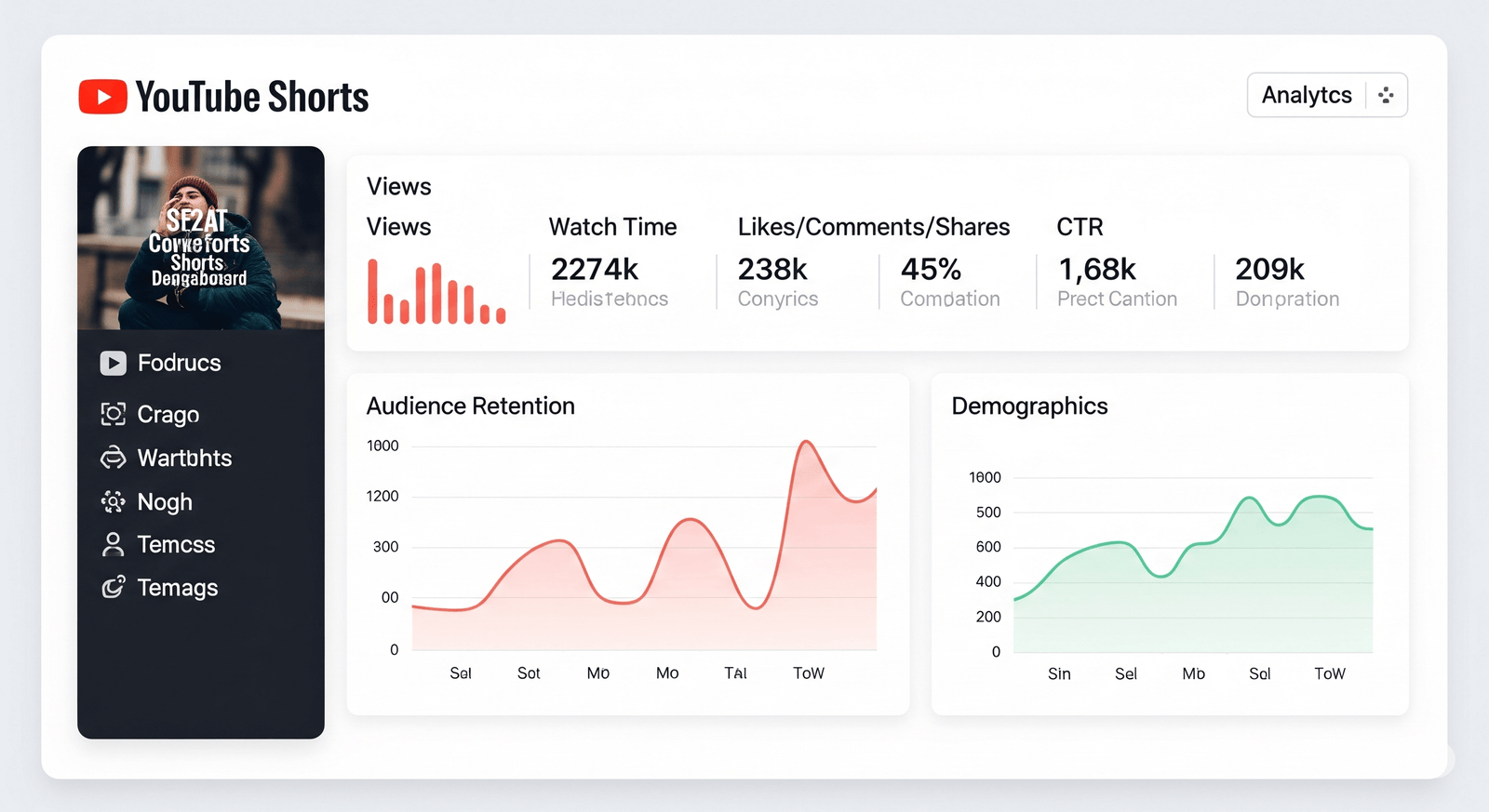
22. Track Retention, Not Just Views
Views matter, but watch behavior tells you more. Look at how long people stay, where they leave, and whether they rewatch.
If viewers leave in the first seconds, the hook may be slow. If they stay through the answer, the topic and pacing may be strong.
23. Track Business Actions
When Shorts support a business, also measure channel visits, website clicks, inquiries, email signups, product views, or sales.
A Short with 5,000 targeted views and ten qualified inquiries can be more useful than a 100,000-view clip that attracts the wrong audience.
24. Review Topics by Content Pillar
Every month, group Shorts by pillar. Compare average watch time, comments, shares, channel visits, and business outcomes.
Look for topic patterns rather than one lucky video.
25. Use Comments as Research
Useful comments often contain follow-up questions. Turn those questions into new Shorts or update your website FAQ.
Comments can also reveal where your explanation was unclear. That is valuable feedback.
26. Avoid Common Shorts Mistakes
| Mistake | Better approach |
|---|---|
| Long branded intros | Start with the problem or result |
| Trying to teach everything at once | Use one idea per Short |
| Tiny screen text | Design for mobile |
| Posting clips without a strategy | Use content pillars and series |
| Tracking views only | Track retention and business actions |
27. 30-Day YouTube Shorts Plan
Week 1: Build the topic bank
Collect 30 customer questions. Choose four pillars. Write hooks for the first eight videos.
Week 2: Film and publish
Batch film eight Shorts. Publish three or four and watch early retention.
Week 3: Add demonstrations
Create videos that show a process, product, or before-and-after result.
Week 4: Review and connect
Find the best topics. Link strong Shorts to deeper website or YouTube content. Plan next month around real viewer needs.
28. Practical Short Ideas for Small Businesses
- One mistake to avoid
- Three things to check before buying
- A 30-second tool demo
- A simple cost explanation
- A common myth
- A before-and-after result
- A fast checklist
- A customer FAQ
- A process people rarely see
- A side-by-side comparison
29. Build a Shorts-to-Long-Form Funnel
Shorts can introduce a problem, while longer content helps the viewer solve it in depth. Plan these two formats together instead of treating them as separate channels.
Example for a marketing agency
A 35-second Short explains one reason a local business may not appear for a service search. The final line points viewers to a full “Local SEO Checklist” video or article. The deeper resource covers business profile setup, service pages, reviews, citations, and tracking.
Example for an ecommerce brand
A Short shows how to choose between two backpack sizes. The description links to a detailed size guide with measurements, use cases, photos, and product links. The Short answers one question. The guide completes the buying decision.
Use consistent language
The title, Short, longer video, and website page should describe the same problem in similar plain language. This makes the journey feel connected and reduces confusion.
Measure the handoff
Track how many viewers open the channel, watch a related long video, or visit the website. If a Short gets strong retention but no deeper action, test a clearer next step. If viewers move to the long video but leave quickly, the deeper content may not match the promise.
This funnel approach helps small businesses get more value from each idea. One customer question can become a Short, a long video, a blog section, an email answer, and a sales-support resource without repeating the same content word for word.
Frequently Asked Questions
How often should a small business post YouTube Shorts?
Start with two to four useful Shorts per week. Increase only if your team can maintain clear ideas and production quality.
Do Shorts help long-form YouTube videos?
They can introduce new viewers to the channel. Connect Shorts to relevant deeper videos when the viewer needs more detail.
Do I need professional video equipment?
No. A phone, clear audio, good light, and useful information are enough for many small businesses.
Can I repost TikToks as YouTube Shorts?
You can repurpose the core idea, but adapt the file and caption for YouTube. Avoid unnecessary platform watermarks and make the video stand on its own.
What is the most important Shorts metric?
There is no single metric. Watch retention, useful engagement, and the business action that matches your goal.
Conclusion
A useful YouTube Shorts strategy turns small pieces of expertise into clear video answers. Choose a business goal. Build content pillars. Use one idea per Short. Start with a strong hook. Show the answer fast. Film for mobile, use clear audio, and connect short videos to deeper content.
The goal is not to chase one viral clip. It is to build a repeatable library of useful videos that helps new viewers discover your business and gives interested people a clear path to learn more.