Pinterest Marketing for Blogs and Small Businesses: A Practical Guide
Pinterest works differently from many social platforms. People often use it to discover ideas, plan projects, compare options, and save useful content for later. That makes Pinterest closer to a visual discovery engine than a fast-moving conversation feed.
For blogs, ecommerce stores, food sites, travel businesses, home brands, fashion companies, educators, and other visual niches, Pinterest can bring steady referral traffic when content is useful and easy to discover. It can also work for less visual industries when the business can turn useful information into clear visual guides.
This guide explains a practical Pinterest marketing strategy for small teams. The goal is not to create hundreds of random pins. The goal is to build a simple system that connects search-friendly visual content with useful website pages.
1. Understand Why People Use Pinterest
Pinterest users often have future intent. They may be planning a room makeover, saving recipes for next week, researching wedding ideas, comparing travel destinations, or collecting marketing templates.
This matters because your content should help someone plan or decide. A generic brand photo is less useful than a visual that explains an idea, shows a result, or promises a specific resource.
2. Set Up a Business Account Properly
Use the official Pinterest Business resources for current account features and setup instructions.
Complete your profile with a clear business name, description, website, and profile image. Verify or claim your website when the platform supports it. Keep branding consistent with your site.
Write a keyword-aware profile description
Use plain language to explain your topic. A food blog might say, “Easy weeknight recipes, meal prep ideas, baking guides, and simple family dinners.” This is more useful than a vague slogan.
3. Choose Pinterest Topics That Match Your Website
Pinterest should support pages you actually want people to visit. Start with your strongest categories and evergreen guides.
Good Pinterest-friendly content types
- How-to guides
- Checklists
- Recipes
- Templates
- Before-and-after ideas
- Product collections
- Travel plans
- Home projects
- Style guides
- Educational step lists
A business can also create pins for service-related guides. For example, a web design agency could pin “Homepage Checklist for Local Businesses” rather than only posting portfolio screenshots.
4. Research Pinterest Keywords
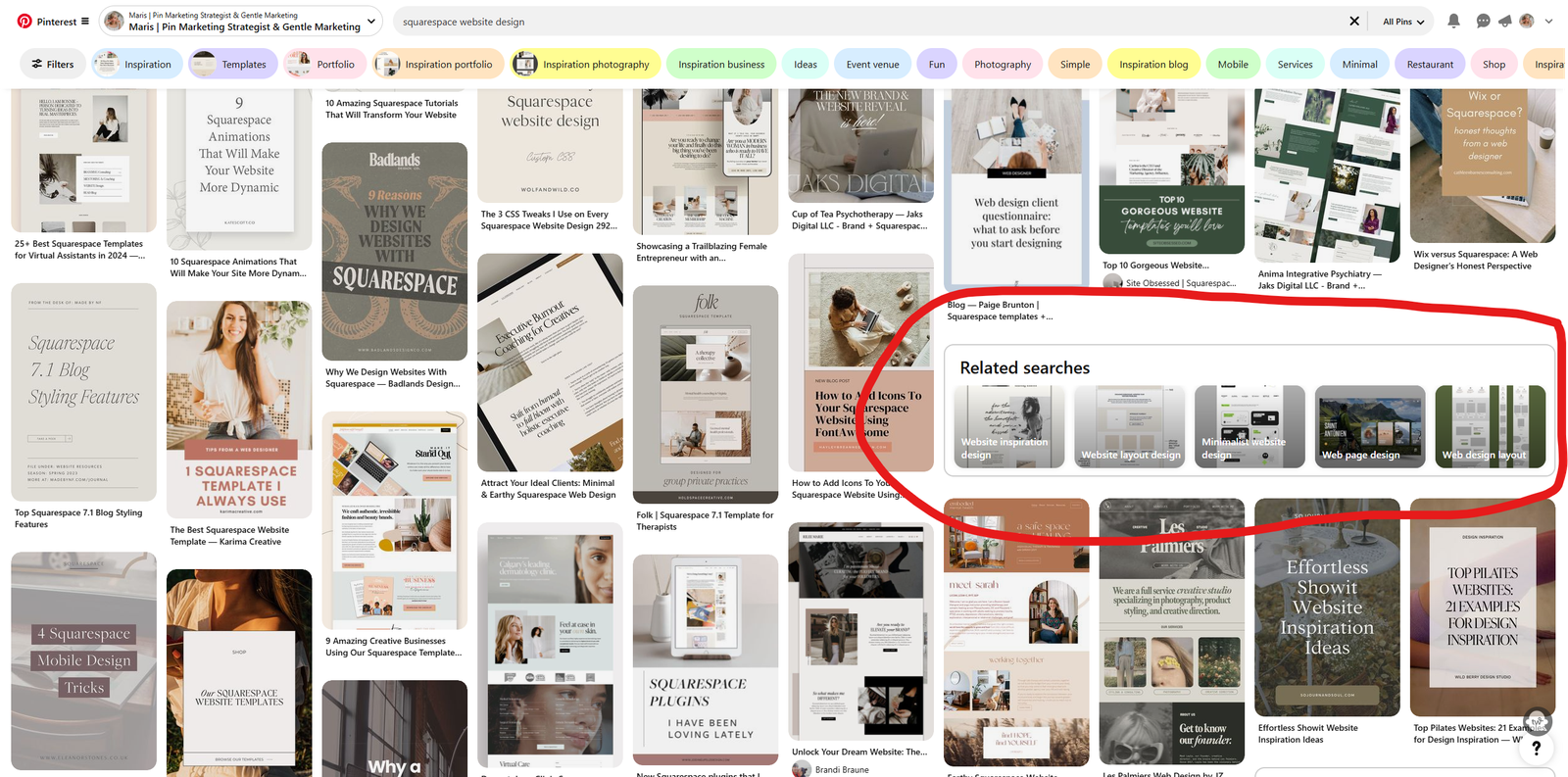
Search for your topic inside Pinterest. Pay attention to autocomplete suggestions, related ideas, and the language used in strong pins. These terms can reveal how users describe their needs.
Also compare this with website search data and Google Search Console. A topic that performs in both Google and Pinterest may deserve extra visual content.
Use keywords naturally
Place the main topic in the pin title, description, board name, and landing page when it fits. Do not repeat the same phrase mechanically.
5. Create Focused Boards
Boards should group related ideas. Use names people can understand without guessing.
A digital marketing blog could use boards such as:
- SEO Guides
- Social Media Content Ideas
- Email Marketing Tips
- Small Business Marketing
- Content Planning Templates
Avoid dozens of nearly empty boards. A smaller set of focused boards is easier to maintain.
6. Match Every Pin to a Useful Landing Page
A pin creates an expectation. The page after the click should deliver that expectation. A pin called “30-Day Content Calendar” should not send users to the homepage. It should go to the actual content calendar article or resource.
This alignment improves trust and makes referral traffic more useful.
7. Create Vertical, Mobile-Friendly Visuals
Pinterest is highly visual and mobile-heavy. Use a vertical layout with clear text and enough contrast. Keep the main message readable on a phone.
Do not place a full paragraph inside the image. Use a short title, key result, or list label. Let the landing page carry the detailed explanation.
Example pin text
- “15 Local SEO Fixes for Small Businesses”
- “30 Easy Dinner Ideas for Busy Weeknights”
- “7-Step First Apartment Checklist”
- “Beginner Guide to Google Search Console”
8. Use Consistent Branding Without Making Every Pin Identical
A consistent font, logo position, and visual feel can make your content recognizable. However, exact duplicates can become boring.
Create three to five simple layouts. Rotate them based on content type. A checklist can use one style. A photo-led guide can use another. A quote should only be used when the quote itself has real value.
9. Write Pin Titles for the Searcher
A pin title should explain what the user gets. Use the main topic early when natural.
Weak: “You Need This!”
Better: “Small Business Local SEO Checklist: 15 Practical Fixes.”
The better title is specific and searchable.
10. Write Useful Pin Descriptions
Use the description to add context. Explain who the resource is for and what it covers. Include related keywords naturally.
Example: “Use this practical local SEO checklist to improve your Google Business Profile, service pages, reviews, local citations, mobile experience, and search tracking.”
Avoid blocks of repeated hashtags or keyword lists.
11. Make Several Pins for One Strong Article
You do not need one pin per URL. A detailed article can support several distinct visuals and angles.
Example
A long guide about content planning could become:
- A “30-Day Content Calendar” pin
- A “5 Content Pillars” pin
- A “Weekly Content Planning Workflow” pin
- A “Content Calendar Mistakes” pin
Each pin should be visually and textually distinct while leading to the same useful article.
12. Prioritize Evergreen Content
Pinterest content can remain discoverable longer than a typical social post. Evergreen topics are a strong fit because the underlying need lasts.
Examples include recipes, checklists, home tips, educational guides, product care, budgeting methods, and travel planning.
Use seasonal content early
Seasonal content needs lead time because people plan before the event. Publish holiday, travel, wedding, or seasonal shopping ideas before the peak date.
13. Build a Realistic Pinning Schedule
Consistency matters more than sudden large bursts. Start with a schedule your team can maintain.
A small blog might create three to five new pin designs each week, spread across strong evergreen pages. A larger content site may produce more.
Focus on new creative and strong landing pages rather than repeatedly saving the exact same pin.
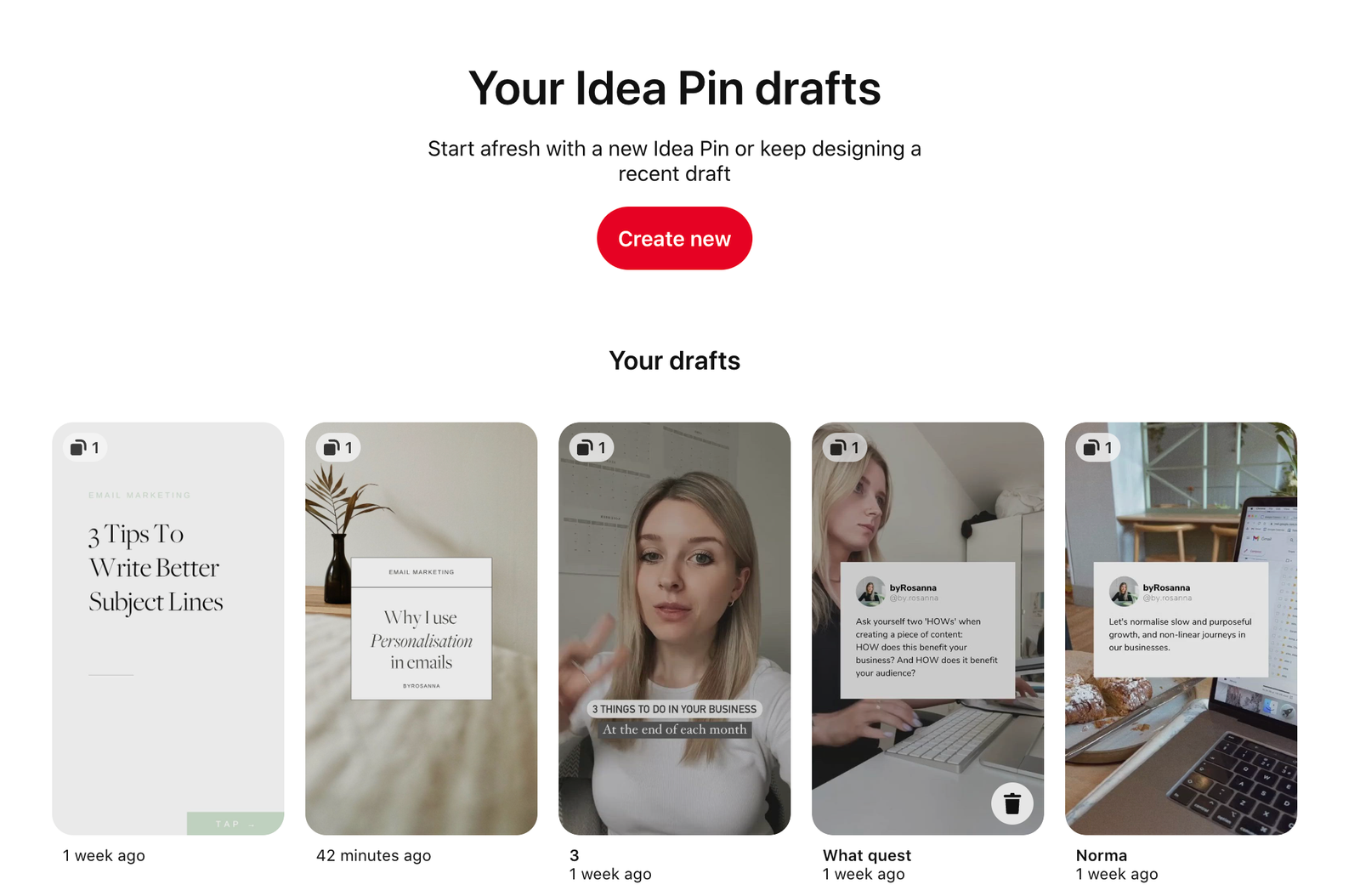
14. Batch Pin Creation
Batching works well because many pins use similar production steps.
One batch session
- Choose five website pages.
- Write two pin title ideas for each.
- Select images or screenshots.
- Create ten pin designs.
- Write descriptions.
- Check destination links.
- Schedule or save the pins.
This creates a manageable weekly content bank.
15. Use Real Images When the Topic Needs Them
Food, travel, fashion, product, home, and craft content often benefits from real photography. Use original or licensed images that accurately represent the page.
Informational business content can use diagrams, checklists, charts, screenshots, and text-led designs.
16. Optimize the Website for Pinterest Visitors
Pinterest users may land on your site with a specific question. Make the answer easy to find. Use a clear article title, useful headings, fast images, and a mobile-friendly layout.
Do not cover the page with immediate popups. Let the visitor see the content first.
Check page performance with PageSpeed Insights if image-heavy pages load slowly.
17. Add Clear Calls to Action Inside the Article
The landing page should guide the user to a logical next step. This may be another guide, email signup, product category, downloadable checklist, or service page.
Match the call to action to the visitor’s intent. A person reading an educational pin may not be ready for a hard sales pitch.
18. Create Supporting Internal Links
Pinterest may bring users into deep blog pages. Internal links help those users discover related content.
A recipe article can link to meal-prep guides and ingredient tips. A marketing guide can link to keyword research, content planning, and analytics articles.
19. Track Referral Traffic
Use your analytics platform to see which Pinterest pages and campaigns send useful traffic. Track engagement, signups, purchases, inquiries, or other business outcomes.
Do not judge success only from pin impressions. A smaller pin that sends qualified visitors can be more valuable.
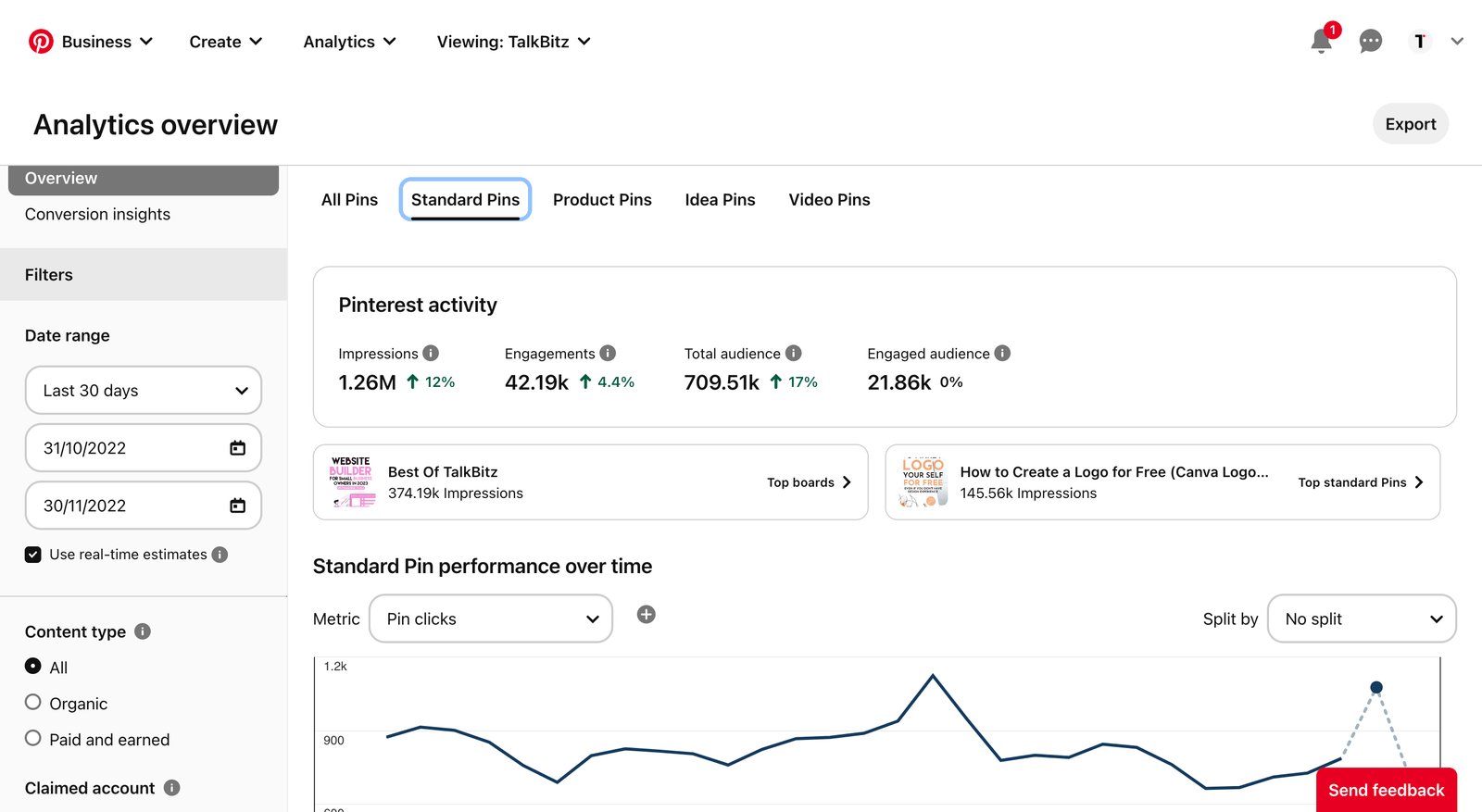
20. Use Pinterest Analytics to Learn What Works
Review impressions, saves, outbound clicks, and other available engagement metrics. Compare topics and formats.
Questions to ask
- Which pin topics earn the most outbound clicks?
- Which designs earn saves but few clicks?
- Which landing pages convert Pinterest users?
- Which seasonal topics need earlier publishing?
- Which boards support your strongest traffic?
21. Test Titles and Visual Angles
If one article is important, create two or three pin concepts. One can use a checklist angle. Another can use a result angle. Another can focus on a common mistake.
Do not change ten variables at once if you want to learn. Keep the destination stable and compare creative approaches.
22. Avoid Misleading Pins
The pin should match the page. Do not use a dramatic image or title that promises something the article does not contain. Misleading clicks may raise traffic briefly but reduce trust.
23. Use Product Pins Carefully
Ecommerce brands can use Pinterest to help people discover products. Product pages should have accurate images, pricing, availability, sizes, descriptions, and shipping information.
Use official platform commerce guidance when setting up feeds or product features because these tools can change over time.
24. Repurpose Blog Assets
One long article can produce many visual assets. Turn steps into mini checklists. Turn a comparison table into a visual comparison. Turn one useful statistic into a chart when the source is strong.
This makes Pinterest easier to sustain because you are not inventing new topics from zero.
25. Build a 30-Day Pinterest Plan
Week 1: Set up the foundation
Complete the business profile. Create five focused boards. Choose ten strong website pages.
Week 2: Build the first creative set
Create two pin designs for five pages. Write clear titles and descriptions. Check destination links.
Week 3: Publish evergreen and seasonal ideas
Continue with five more pages. Add seasonal content early if it fits your niche.
Week 4: Review outbound clicks
Compare which topics and designs send useful visitors. Use that data to choose next month’s pages.
26. Common Pinterest Marketing Mistakes
| Mistake | Better approach |
|---|---|
| Sending every pin to the homepage | Link directly to the promised resource |
| Using tiny text | Design for phone screens |
| Creating random boards | Group content around clear topics |
| Using only one pin per article | Create several distinct angles for strong pages |
| Tracking impressions only | Track outbound clicks and business actions |
27. Turn Pinterest Traffic Into a Useful Next Step
Pinterest can send visitors who are still planning. Instead of asking every visitor to buy immediately, offer a next step that fits the stage.
For an informational blog
Link readers to a closely related guide, printable checklist, or email series. For example, a pin about “First Apartment Essentials” can lead to a detailed article and then offer a room-by-room checklist.
For an ecommerce store
A pin about “Small Balcony Furniture Ideas” can lead to a useful buying guide that links to suitable products by size, material, and budget. This is more helpful than dropping the visitor on a broad category page.
For a service business
A pin about “Questions to Ask Before Hiring a Wedding Photographer” can lead to an educational article, sample galleries, and a consultation page. The content helps the user make a decision before asking for the booking.
Track which next steps Pinterest visitors actually use. If a checklist gets many signups but a direct sales form gets very few, build the nurture path around what the audience is showing you.
Keep the promise consistent
The pin, landing page, and next call to action should feel like one journey. A visitor who clicked for a beginner guide should not suddenly see an unrelated premium offer before receiving the promised information.
This simple alignment can make Pinterest referral traffic more valuable even when the visitor is not ready to convert on the first session.
Frequently Asked Questions
Is Pinterest social media or a search engine?
It has social features, but many users treat it as a visual discovery and planning tool. Search behavior is a major part of the platform.
How often should a small business pin?
Use a schedule you can maintain. Start with a few new, high-quality pin designs each week and adjust based on results.
Can service businesses use Pinterest?
Yes. Create visual checklists, educational guides, diagrams, before-and-after examples, and planning resources tied to your services.
Should I use hashtags?
Focus first on clear titles, descriptions, board topics, and useful landing pages. Platform best practices can change, so check current official guidance before relying on hashtags.
What matters more: saves or clicks?
Both can be useful, but if your goal is website growth or sales, outbound clicks and resulting actions matter more.
Conclusion
Pinterest marketing works when visual content connects a specific idea to a useful destination. Start with strong evergreen website pages. Research how people describe those topics. Build focused boards. Create clear mobile-friendly pins. Match every pin to the right landing page. Then track outbound clicks and business results.
You do not need to flood the platform. A small business can build steady Pinterest value by publishing useful creative at a pace it can sustain and by improving the pages that visitors reach after the click.