AI-Assisted Email Marketing Workflow for Small Businesses
AI can make email marketing faster, but speed is not the same as quality. A useful email still needs a clear audience, a real reason to send it, accurate information, a strong offer or message, and human review. AI works best when it supports those decisions instead of making them for you.
A small business can use AI to organize ideas, draft subject lines, build email outlines, rewrite difficult sections, repurpose content, and analyze common customer questions. It should not be trusted to invent product facts, customer data, legal claims, or performance promises.
This guide gives you a practical AI-assisted email marketing workflow. It covers campaign planning, segmentation, drafting, review, testing, automation, and measurement in a way a small team can maintain.
1. Start With the Email Goal
Every email should have a job. It may welcome a subscriber, explain a product, teach one concept, recover an abandoned action, invite a customer back, or announce an event.
Write the goal before you ask AI to draft anything.
Good goal examples
- Help a new subscriber use a downloaded checklist.
- Explain the difference between two service plans.
- Bring previous customers back for a seasonal service.
- Teach one practical tip and lead to a deeper guide.
- Invite qualified subscribers to book a consultation.
“Send a newsletter” is not a clear goal. Define what the reader should know or do.
2. Define the Audience Segment
One email rarely fits everyone. A new lead, long-term customer, inactive subscriber, and first-time buyer have different needs.
Segmentation can be simple. Start with broad groups such as:
- New subscribers
- Active customers
- Past customers
- Leads who requested information
- People interested in a specific product or topic
Do not create tiny segments you cannot maintain. Use the customer information you collected lawfully and transparently.
3. Give AI Only the Context It Needs
Before drafting, provide the model with the business context, audience, goal, offer, and tone.
Example brief
“We are a small bookkeeping firm serving UK freelancers. This email goes to new subscribers who downloaded a monthly bookkeeping checklist. They know basic accounting terms but feel overwhelmed by month-end tasks. The email should explain the first three actions to take. Use plain English and no sales pitch.”
This is much stronger than “Write a welcome email.”
4. Protect Private Customer Data
Do not paste sensitive customer information into an AI tool without the right business controls. Avoid names, payment data, private account records, passwords, health data, or confidential contracts unless your approved workflow explicitly allows it.
Use placeholders such as [First Name], [Plan Name], and [Renewal Date]. Let your email platform insert approved personalization fields.
5. Use AI to Build the Outline First
For important campaigns, ask AI to propose the structure before drafting the full message.
Example welcome email outline
- Thank the subscriber.
- Confirm what they downloaded.
- Give the first practical action.
- Give the second and third actions.
- Link to the resource.
- Invite a reply with one question.
Review the outline. Remove anything that does not help the email goal.
6. Draft Subject Lines as Options
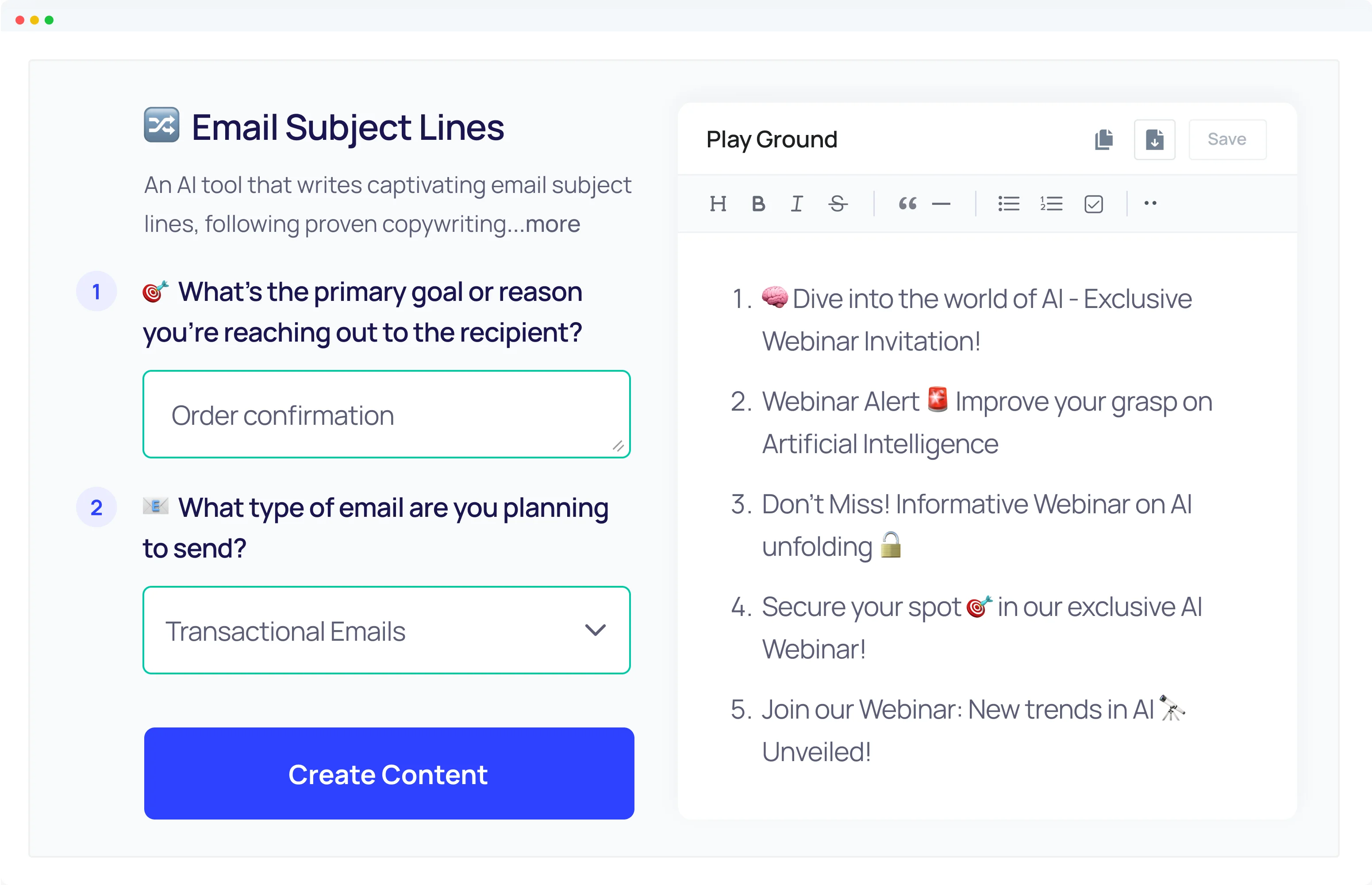
AI is useful for variations. Ask for ten subject lines with different angles instead of asking it to choose “the best.”
Useful subject line angles
- Direct benefit
- Specific question
- Practical next step
- Reminder
- Curiosity with clear context
Avoid misleading urgency. Do not use “Last chance” if the offer is not actually ending.
7. Keep the Subject Line Honest
The subject should match the email. A dramatic subject can improve opens in the short term but damage trust if the email does not deliver.
Example: “Your 3-step month-end bookkeeping routine” is clear. “This changes everything about money” is vague and exaggerated.
8. Use Preview Text as a Second Line
Preview text can add context to the subject. Do not repeat the exact same words.
Subject: “Your 3-step month-end bookkeeping routine.”
Preview: “Start with these checks before you reconcile the account.”
This creates a simple one-two message.
9. Write the First Draft in Plain English
Ask AI to use short paragraphs, active voice, simple sentences, and one main call to action. Then edit the draft yourself.
Emails are read quickly, often on phones. Long blocks of text create friction.
A useful structure
- One clear opening
- One main idea
- A few useful details
- One action
10. Use AI to Remove Filler
After drafting, ask the model to identify sentences that repeat the same point, use vague language, or add no value.
Common filler includes phrases such as “in today’s fast-paced world” and “it is important to remember that.” Most emails are stronger without them.
11. Add Real Examples Manually
AI can suggest example structures, but you should replace generic examples with real approved business details.
Example
Instead of “many customers save time,” explain a real process: “Most clients send bank statements and invoices by the third working day. We reconcile the accounts and flag missing records before the monthly report is prepared.”
This is more useful and easier to trust.
12. Use AI for Personalization Logic, Not Fake Personal Details
AI can help you plan how a segment should differ. It should not invent a customer’s history.
For example, create one version for new subscribers and one for existing customers. Use your email platform’s real data to insert names, products, or dates.
13. Build a Welcome Sequence
A welcome sequence is a good place to use AI because the structure can be planned in advance.
Example five-email sequence
| Purpose | |
|---|---|
| 1 | Deliver the resource and first step |
| 2 | Answer one common beginner question |
| 3 | Show a practical example |
| 4 | Explain a common mistake |
| 5 | Offer the relevant next action |
Ask AI to help outline each email, then review the flow as a whole.
14. Repurpose Strong Blog Content Into Email
A detailed blog post can become a short email series. Do not paste the entire article into the inbox.
Extract one useful idea. Explain it in a few paragraphs. Link to the full guide for readers who want more detail.
This works well for SEO guides, checklists, product education, and how-to content.
15. Turn Customer FAQs Into Email Topics
Support questions are a strong email source. If customers often ask about timing, setup, pricing factors, or product care, answer those questions proactively.
AI can group a long question list into themes. A human should review the grouping and remove private or unusual cases.
16. Use AI to Create Variations for A/B Tests
AI can produce controlled variations. Test one meaningful element at a time.
Useful test ideas
- Direct subject versus question subject
- Short email versus slightly longer explanation
- Text link versus button
- Benefit-focused call to action versus process-focused call to action
Do not change subject, body, image, and offer at the same time if you want to learn what caused the result.
17. Fact-Check Every Claim
AI can produce confident errors. Check prices, dates, features, product claims, legal statements, discount rules, stock status, and deadlines.
Use official sources when a platform feature matters. For example, review your chosen email provider’s official documentation. Mailchimp is one widely known email platform, but businesses should choose tools based on their own needs and current features.
18. Review Compliance Requirements
Email marketing rules vary by country and situation. Use proper consent, sender identification, unsubscribe options, and data practices. Do not rely on an AI-generated summary as legal advice.
When compliance is important, check the current official law or seek qualified advice for your region.
19. Review Brand Voice
Create a short brand style guide. Include the tone, words you avoid, spelling preferences, call-to-action style, and examples of approved emails.
Ask AI to compare the draft with these rules. A human should still make the final decision.
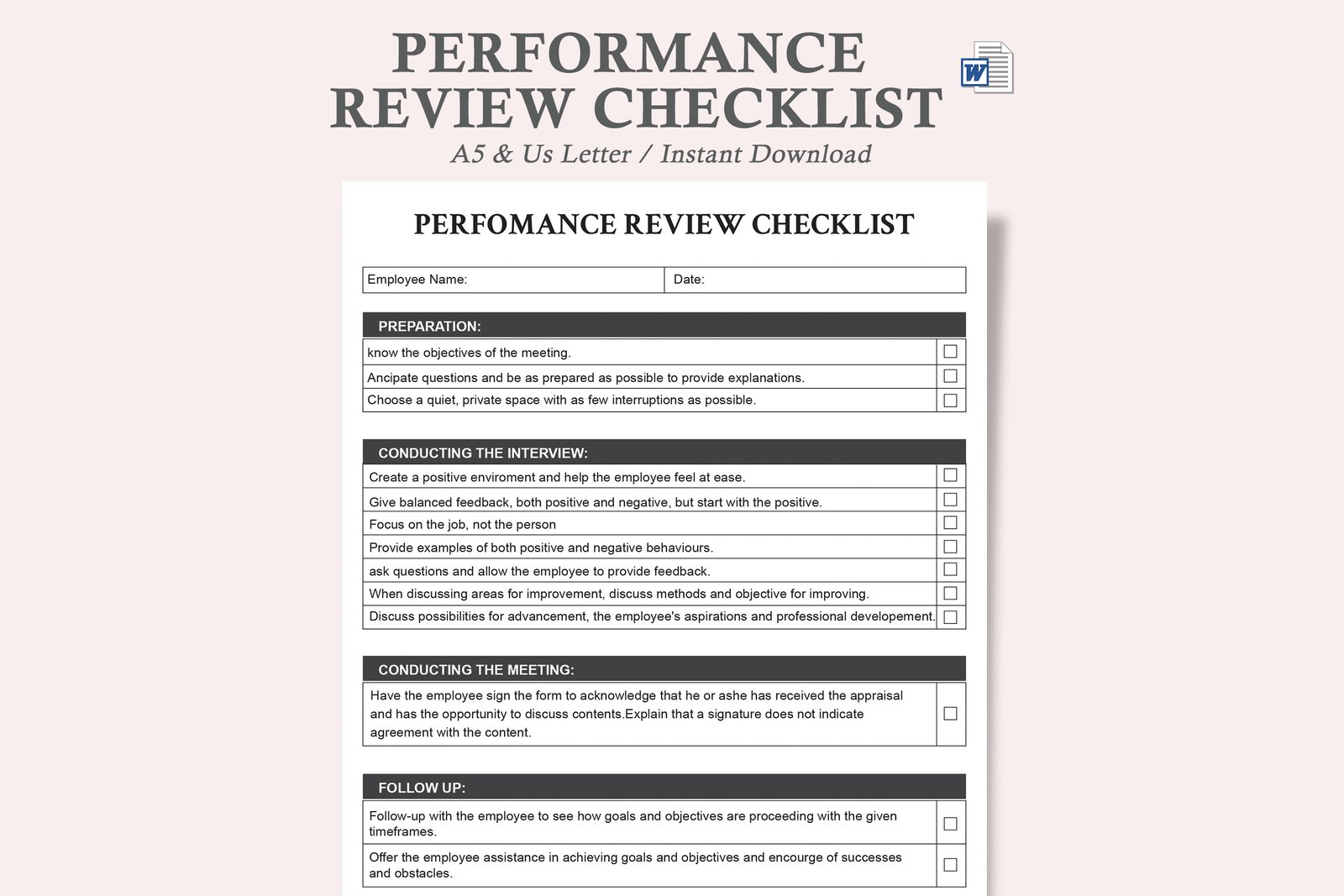
20. Use a Human Editing Checklist
- Is the subject accurate?
- Does the first paragraph get to the point?
- Is every claim verified?
- Does the email solve one clear problem?
- Is the call to action obvious?
- Are links correct?
- Does personalization use real data?
- Is the tone consistent?
- Can it be read easily on a phone?
- Is the unsubscribe process present where required?
21. Send a Test Email
Always send a test to yourself or the team. Check desktop and mobile. Open every link. Confirm images, buttons, merge fields, and preview text.
A perfect draft can still fail because of one broken link.
22. Check Landing Pages Before Sending
The email and destination should match. A message about a free guide should link to the guide. A renewal email should link to the correct account or renewal page.
Test the landing page speed and mobile layout. A strong email cannot fix a confusing destination.
23. Measure the Full Funnel
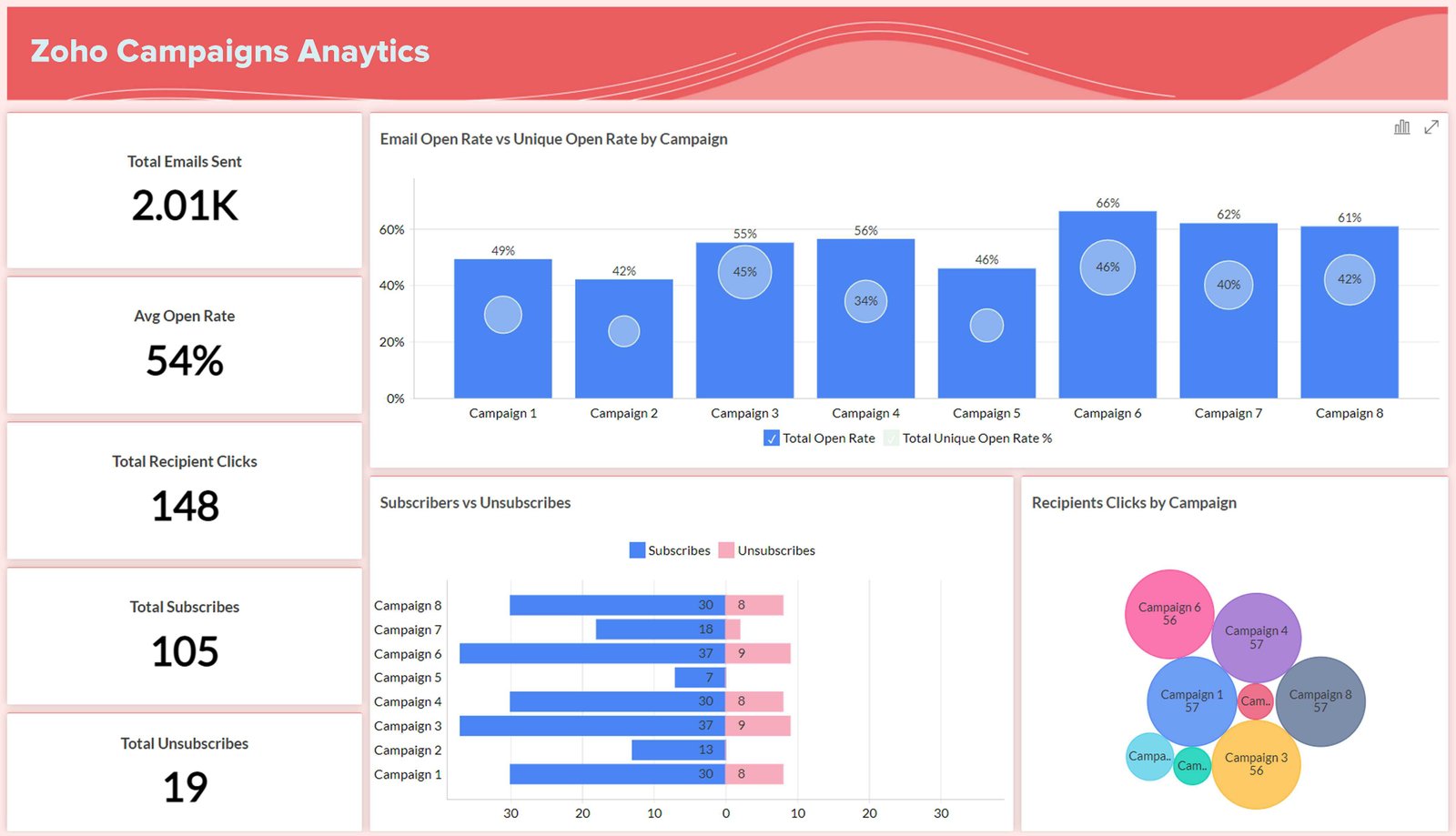
Open rate and click rate are useful, but they are not the final result. Track the action after the click.
Useful metrics include:
- Delivery rate
- Clicks
- Unsubscribes
- Spam complaints
- Landing page engagement
- Forms or bookings
- Purchases
- Replies
24. Use Reply Quality as a Signal
For service businesses and newsletters, replies can be valuable. A thoughtful reply may reveal customer needs that standard analytics cannot show.
Save recurring questions and objections. They can improve future campaigns.
25. Ask AI to Analyze Patterns, Not Make Final Decisions
You can give AI a clean summary of campaign metrics and ask it to suggest possible patterns. Remove sensitive customer data first.
Then test the ideas. Do not assume the model can prove causation from a small dataset.
26. Build a Monthly Email Review
- List every email sent.
- Record the goal and segment.
- Compare clicks and downstream actions.
- Review unsubscribes and complaints.
- Read useful replies.
- Identify the strongest topic.
- Choose one thing to test next month.
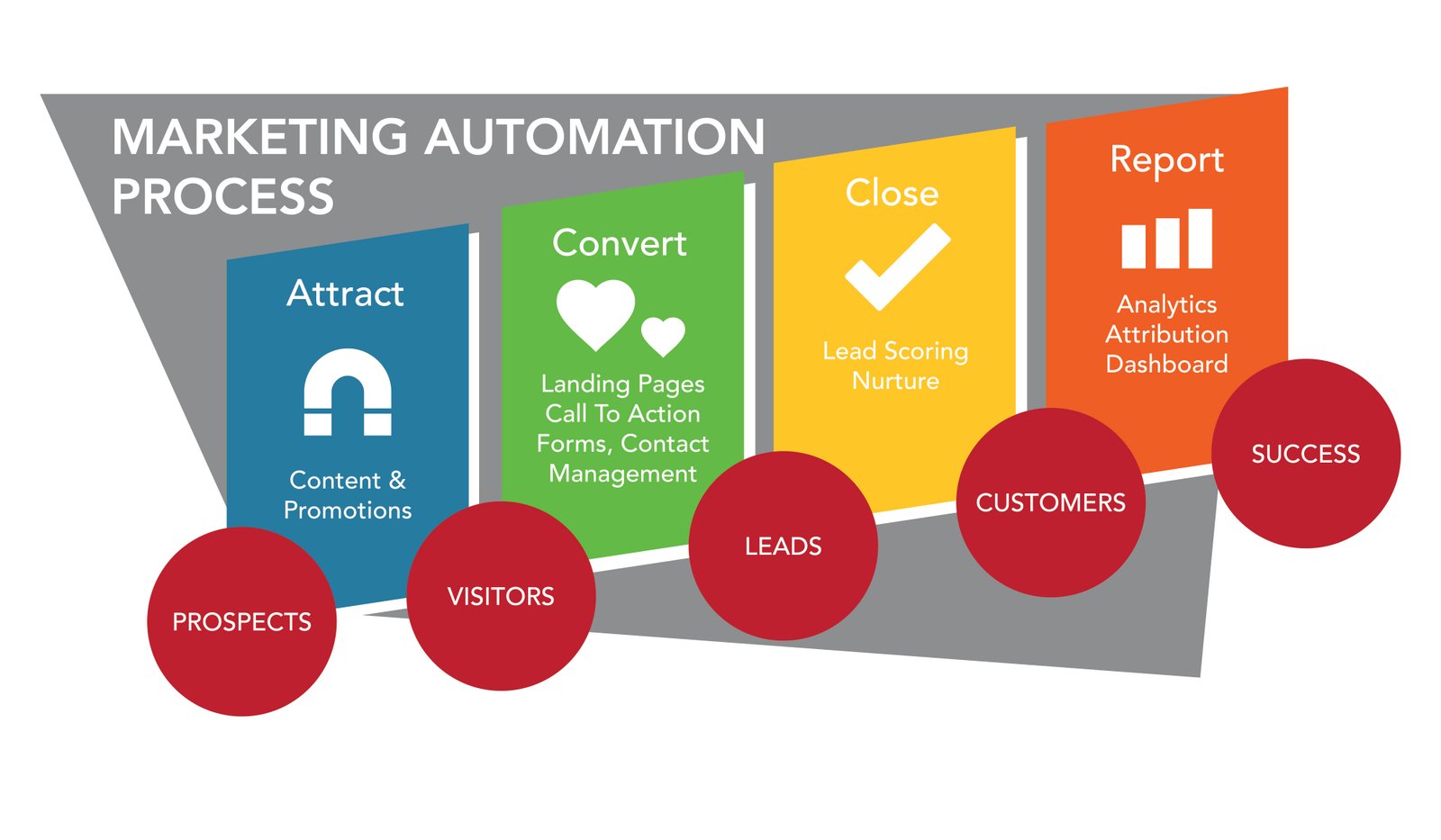
27. Create an AI-Assisted Email Production System
Stage 1: Human brief
Set the audience, goal, offer, facts, and limits.
Stage 2: AI outline
Generate the structure and subject options.
Stage 3: AI draft
Create the first version in the required tone.
Stage 4: Human fact and brand review
Verify every claim and replace generic examples.
Stage 5: Technical QA
Check links, personalization, mobile layout, and sending settings.
Stage 6: Measurement
Record results and learn from the campaign.
28. Common AI Email Marketing Mistakes
| Mistake | Better approach |
|---|---|
| Using one generic prompt | Provide segment, goal, offer, and tone |
| Publishing the first draft | Run human fact and brand review |
| Using fake personalization | Use real approved customer fields |
| Testing many variables at once | Change one meaningful element |
| Tracking opens only | Track clicks and downstream actions |
| Ignoring privacy | Use placeholders and approved data workflows |
29. Create a Reusable AI Email Brief Template
A fixed brief can save time and improve consistency across campaigns. Keep it short enough that the team actually uses it.
- Audience: who receives this email?
- Goal: what should the reader understand or do?
- Offer or topic: what are we discussing?
- Verified facts: prices, dates, features, rules, and limits.
- Tone: helpful, direct, formal, friendly, or another approved style.
- CTA: one primary next step.
- Things to avoid: claims, phrases, or topics the brand does not use.
Real-world use case
A local dental practice wants to email patients who have not booked a routine visit in more than a year. The team fills the brief with the correct appointment process, clinic hours, contact details, and an instruction not to make medical claims. AI drafts two versions: one short reminder and one educational version about what to expect at a routine visit. Staff reviews both and chooses the clearer option.
The value of the template is not that every email looks the same. It is that every draft starts with the facts, audience, and purpose before writing begins.
Frequently Asked Questions
Can AI write an entire email campaign?
It can help draft one, but a human should set the strategy, verify facts, review compliance, and approve final content.
What email tasks are best for AI?
Idea generation, outlines, subject-line options, first drafts, rewrites, summarization, and controlled variations are strong use cases.
Should I paste my customer list into AI?
No. Use your approved email and data systems. Avoid sharing sensitive or unnecessary customer information with external tools.
Can AI improve email open rates?
It can help generate subject ideas, but no subject line guarantees higher opens. Test with your real audience.
How do I keep AI emails human?
Use real customer questions, specific examples, simple language, and human editing. Remove generic filler and exaggerated claims.
Conclusion
An AI-assisted email workflow should make good marketing easier, not remove human responsibility. Start with the goal and segment. Give the model accurate context. Use AI for outlines, options, drafting, and editing. Protect customer data. Verify facts. Test the final email. Then measure the action after the click.
The best system is a partnership: humans make strategic and ethical decisions, while AI handles repeatable drafting work. That balance can help a small team create clearer email campaigns with less wasted time.