AI Marketing Automation for Small Businesses: Practical Workflows Without Losing Human Control
Marketing automation can save a small business time, but automation is useful only when the process is already clear. Adding AI to a messy workflow can make mistakes happen faster. The better approach is to automate repeatable steps while keeping people responsible for strategy, facts, customer promises, privacy, and final decisions.
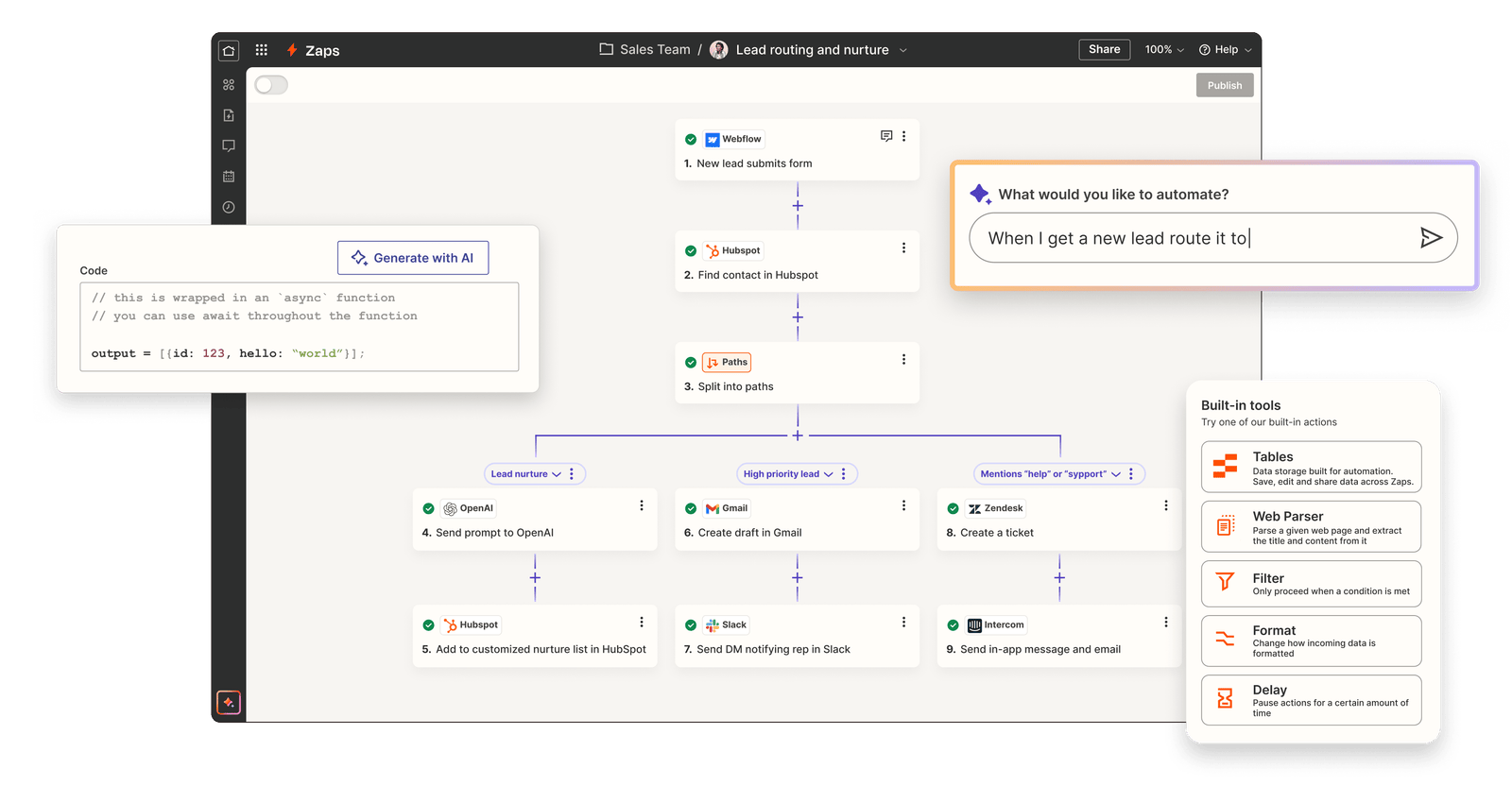
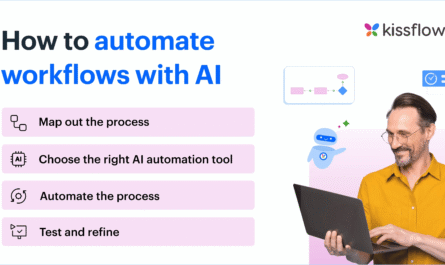
AI marketing automation does not need to mean a complex system with dozens of tools. A small team can start with simple workflows: turning customer questions into content ideas, drafting email variations, summarizing campaign reports, organizing leads, or preparing social posts for review. The key is to choose tasks where AI reduces repetitive work without taking control of high-risk decisions.
This guide shows how to build practical AI-assisted marketing workflows for a small business. It explains what to automate, what to keep human, how to protect customer data, how to review output, and how to measure whether automation is actually saving time.
1. Start With a Repetitive Marketing Task
Do not begin by asking, “Where can we use AI?” Start by asking, “Which marketing task repeats every week and takes too much time?”
Good automation candidates usually have a clear input, a repeatable process, and an easy way to check the result.
Examples of useful starting tasks
- Turning customer FAQs into content ideas
- Creating first drafts of social captions
- Summarizing campaign performance
- Grouping leads by simple criteria
- Creating subject-line variations
- Preparing weekly content calendars
- Extracting action items from marketing meetings
- Reformatting a blog post for several channels
A task that requires legal judgment, medical advice, sensitive financial decisions, or unusual customer exceptions should usually stay under direct human control.
2. Map the Current Manual Workflow First
Before you automate, write down how the task works today. Identify the input, steps, decisions, tools, and final output.
Example: weekly social content
- Review customer questions.
- Choose four topics.
- Write captions.
- Create visuals.
- Check facts and links.
- Schedule posts.
- Review performance next week.
Now you can see where AI may help. It can group customer questions, suggest topic angles, and draft captions. A human can still choose topics, verify claims, approve visuals, and schedule final posts.
3. Separate Automation From Autonomy
Automation means a system performs a defined step. Autonomy means the system decides what to do with less human direction. Small businesses often need the first more than the second.
For example, automatically summarizing a report is a low-risk automation. Automatically changing ad budgets based on an AI summary is a much higher-risk decision.
Use a simple rule
If a mistake could spend money, damage customer trust, reveal private data, or create a public claim, require human approval before the action happens.
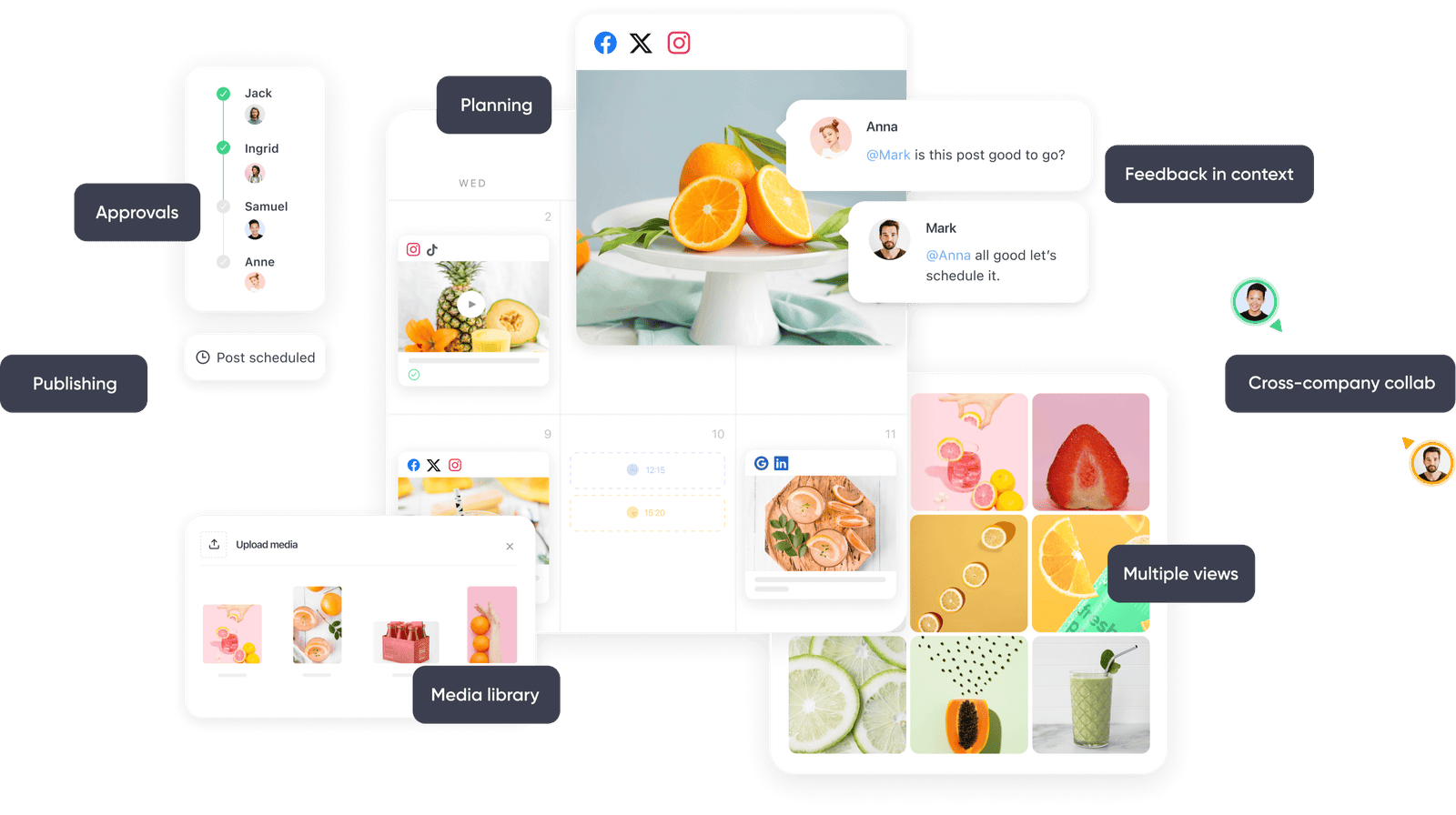
4. Build a Human-in-the-Loop Workflow
A human-in-the-loop system gives AI a defined role while keeping a person responsible for the final decision.
A practical workflow can look like this:
- AI collects or organizes information.
- AI drafts or suggests options.
- A human reviews accuracy and fit.
- The human approves or changes the output.
- The approved output moves to publishing or execution.
This structure is especially useful for public content, email campaigns, paid ads, and customer-facing replies.
5. Use AI to Organize Customer Questions
Customer questions are valuable marketing data. They reveal what people do not understand, what stops them from buying, and what needs better explanation.
You can collect questions from sales calls, support messages, reviews, comments, and contact forms. Remove private customer details. Then use AI to group the questions into themes.
Example
A local web agency receives 60 questions in a month. AI groups them into pricing, timelines, redesign process, SEO, maintenance, and hosting. The marketing team can now plan content around real customer needs instead of guessing.
6. Automate Content Idea Extraction
A long article or webinar may contain dozens of smaller content ideas. AI can identify those ideas quickly.
Ask it to extract distinct problems, examples, FAQs, checklists, mistakes, and comparisons. Then let a person choose which ideas match the current strategy.
This is safer and more useful than asking AI to publish a full month of content without review.
7. Create an AI-Assisted Content Calendar
AI can help turn approved topics into a draft calendar. Give it the business goal, audience, content pillars, platforms, posting frequency, and current campaigns.
Ask for a table with date, platform, topic, format, goal, source asset, and call to action.
Keep the final selection human
The model may create a balanced-looking calendar that still misses business priorities. A team member should check campaign dates, product availability, events, seasonal timing, and legal limits.
8. Automate First Drafts, Not Final Publishing
Drafting is one of the strongest AI use cases because the output is easy to review. You can generate first versions of social captions, email copy, blog outlines, and video scripts.
Set clear instructions: audience, goal, tone, format, verified facts, and claims to avoid.
Then edit the draft for accuracy, specificity, and brand voice.
9. Use AI for Content Repurposing
Repurposing is a repeatable workflow that can benefit from automation. One blog post can become a short video script, LinkedIn post, Instagram carousel outline, email tip, and Pinterest pin concept.
The best system extracts separate ideas instead of creating five summaries of the same article.
Keep a source link or internal reference in the workflow so editors can verify every derivative against the original.
10. Build an Email Drafting Workflow
Email marketing contains many repeatable tasks: subject-line options, preview text, first drafts, segment variations, and campaign summaries.
A safe workflow could be:
- Human defines the campaign goal and segment.
- AI creates subject and outline options.
- Human chooses the direction.
- AI drafts the email.
- Human verifies claims, links, offers, and personalization.
- The team sends a test email.
- The approved campaign is scheduled.
Use your email platform for actual customer data and personalization. Do not paste sensitive customer records into tools that are not approved for that data.
11. Automate Welcome Sequence Planning
A welcome series is predictable enough to plan with AI. The model can help create a five-email structure based on a subscriber’s entry point.
Example sequence
| Goal | |
|---|---|
| 1 | Deliver the promised resource |
| 2 | Help with the first practical step |
| 3 | Answer a common objection |
| 4 | Show a realistic example |
| 5 | Offer the next relevant action |
The business still controls timing, consent, claims, and the final content.
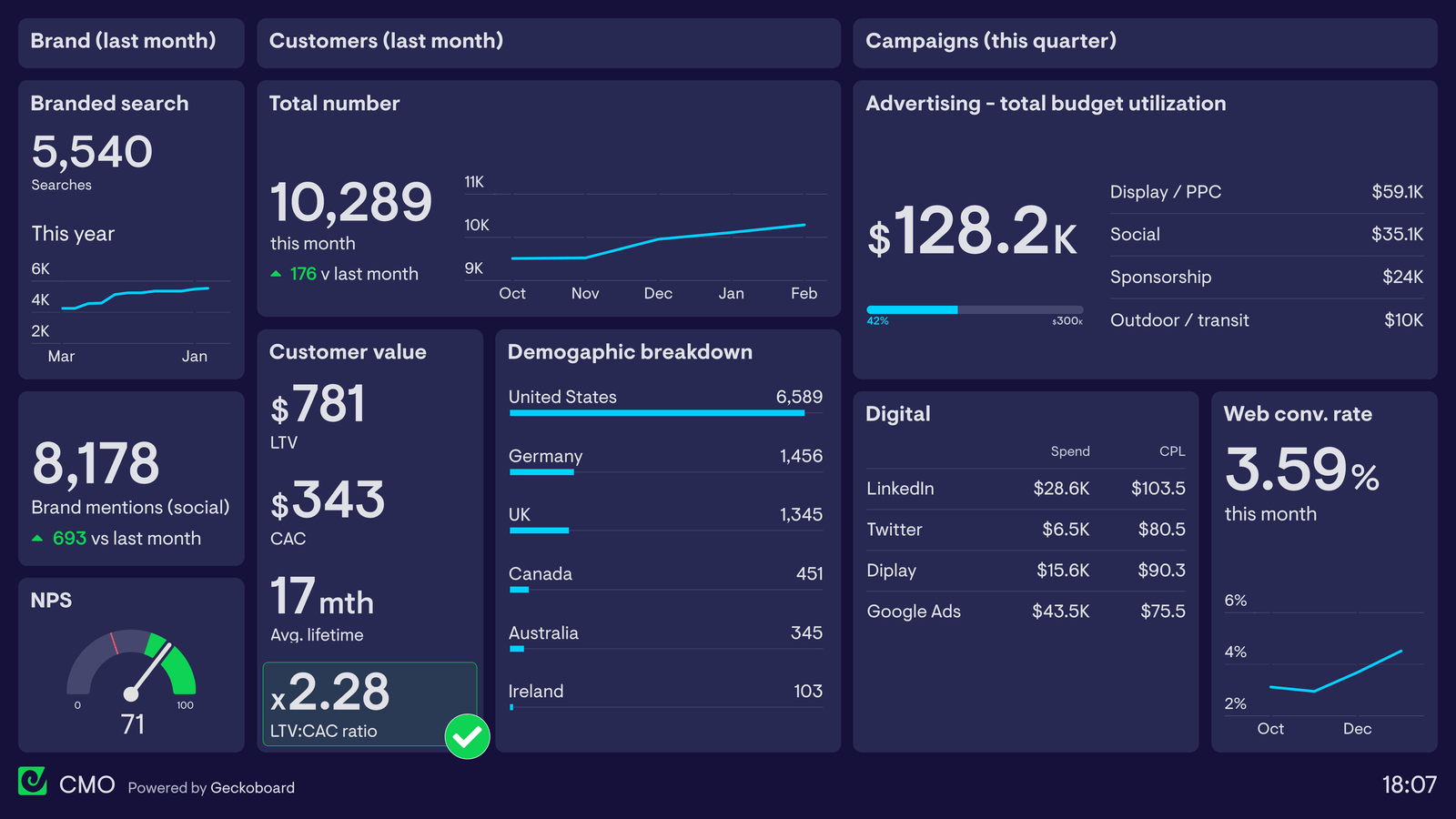
12. Use AI to Summarize Marketing Reports
Weekly and monthly reports often contain repetitive review work. AI can summarize clean, non-sensitive performance data and highlight changes.
For example, you can provide a table of impressions, clicks, leads, cost, and conversion rate by campaign. Ask AI to identify the largest changes and possible questions to investigate.
Do not treat suggestions as proof
If AI says a lower conversion rate “was caused by” a landing-page change, verify that claim. The model can notice patterns but cannot prove causation from a small report.
13. Automate UTM Naming Suggestions
Consistent campaign naming improves reporting. AI can generate UTM naming suggestions based on a documented convention.
For example, your rules may require lowercase names, hyphens, platform source, campaign group, and content identifier.
A person should still review names before launch so reporting stays clean.
14. Use AI to Prepare SEO Briefs
AI can turn approved keyword research and source material into a content brief. It can organize search intent, primary keyword, related terms, heading ideas, FAQs, internal link opportunities, and source notes.
Use Google Search Central for official search guidance and Google Search Console for your own query data.
Do not let the model invent search volume or ranking difficulty numbers.
15. Automate Internal Link Suggestions Carefully
For a small blog, AI can compare a new article with existing titles and summaries to suggest related pages.
The editor should check each destination. A link must help the reader, not just contain a similar keyword.
Good anchor text describes the destination naturally.
16. Use AI for Ad Copy Variations
Paid advertising often needs multiple headlines and descriptions. AI can create variations based on approved product facts and offer rules.
Give it the audience, product, landing page, allowed claims, required terms, and character limits.
Keep budget and policy decisions human
Do not let a generic AI workflow change budgets, targeting, or compliance-sensitive settings without a responsible person reviewing the decision.
17. Automate Ad Creative Briefs
AI can turn a campaign goal into a creative brief for designers or video editors. A brief may include:
- Audience problem
- Main message
- Proof to show
- Visual idea
- Opening hook
- Required brand elements
- Call to action
- Claims to avoid
This can reduce back-and-forth while keeping the final creative under human approval.
18. Use AI to Classify Leads Only With Clear Rules
AI can help sort leads by topic, service interest, urgency, or funnel stage when the criteria are clear.
For example, a form submission mentioning “website redesign” can be tagged for the design team. A question about “Google Ads management” can go to the paid media queue.
Avoid automated decisions that unfairly exclude people or use sensitive personal characteristics.
19. Draft Customer Support Replies, Then Review Them
AI can prepare a first response to common support questions. This can save time when the approved answer already exists.
Do not send automated replies for unusual complaints, refunds, legal threats, account security issues, or situations where empathy and judgment are important.
20. Build a Knowledge Base for Repeated Answers
A small internal knowledge base can improve AI-assisted workflows. Store approved product descriptions, service scope, policies, tone rules, FAQs, and links.
Review this material regularly. Automation built on outdated information produces outdated answers faster.
21. Protect Customer Privacy
Privacy must be part of the workflow design. Use the minimum data needed. Remove names, emails, account numbers, payment details, and confidential notes when they are not necessary.
Follow your local privacy requirements and the policies of your tools. When a workflow handles sensitive data, get appropriate professional or legal guidance.
22. Create an Approval Matrix
Not every marketing task needs the same review level. Build a simple matrix.
| Task | AI role | Human approval |
|---|---|---|
| Content ideas | Suggest | Yes, before calendar |
| Social caption | Draft | Yes, before posting |
| Email subject lines | Generate options | Yes |
| Monthly report | Summarize | Review before decisions |
| Ad budget change | Analyze only | Required |
| Refund decision | Provide context only | Required |
23. Add Quality Checks to Every Workflow
A useful automation should include a review checklist rather than depending on memory.
- Are all facts verified?
- Does the output match the audience?
- Are links correct?
- Are claims allowed?
- Is private data removed?
- Does the tone match the brand?
- Is the call to action accurate?
- Does a human need to approve the next step?
24. Create Failure Rules
Every automation needs a safe way to stop. Define what happens if required information is missing, a tool fails, or the AI output is uncertain.
Example rules
- If price data is missing, do not invent it.
- If a customer identity cannot be verified, do not send account-specific information.
- If an ad report has missing conversion data, flag it rather than making budget recommendations.
- If a source link is unavailable, mark the claim for review.
Stopping safely is better than creating a confident guess.
25. Measure Time Saved
Automation should produce a measurable benefit. Track how long the task took before and after the workflow.
Example: weekly content planning drops from three hours to ninety minutes, while the number of corrections stays the same or falls. That is a useful improvement.
If editing time doubles because AI drafts are weak, the workflow may not be helping.
26. Track Error Rate
Count factual errors, broken links, incorrect claims, rejected drafts, and customer complaints linked to automated content.
A workflow that saves time but creates more mistakes may cost more in the long run.
27. Track Business Outcomes
Do not measure AI automation only by content volume. Track the business result tied to the workflow.
- Content workflow: useful traffic, leads, engagement
- Email workflow: clicks, replies, conversions
- Ad workflow: lead quality, cost, conversion rate
- Support workflow: response time, resolution quality
More output is not the goal. Better work with less wasted time is the goal.
28. Start With One Workflow for 30 Days
A small business should avoid automating ten systems at once. Choose one workflow and run it for a month.
Week 1: Map and define
Document the manual process. Decide where AI can help and where human approval is required.
Week 2: Build and test
Create prompts, templates, and review checks. Test with internal examples.
Week 3: Use on real work
Run the workflow with human review. Record time, errors, and feedback.
Week 4: Improve
Remove weak steps. Update instructions. Decide whether the workflow is worth keeping.
29. A Practical Small Business Automation Stack
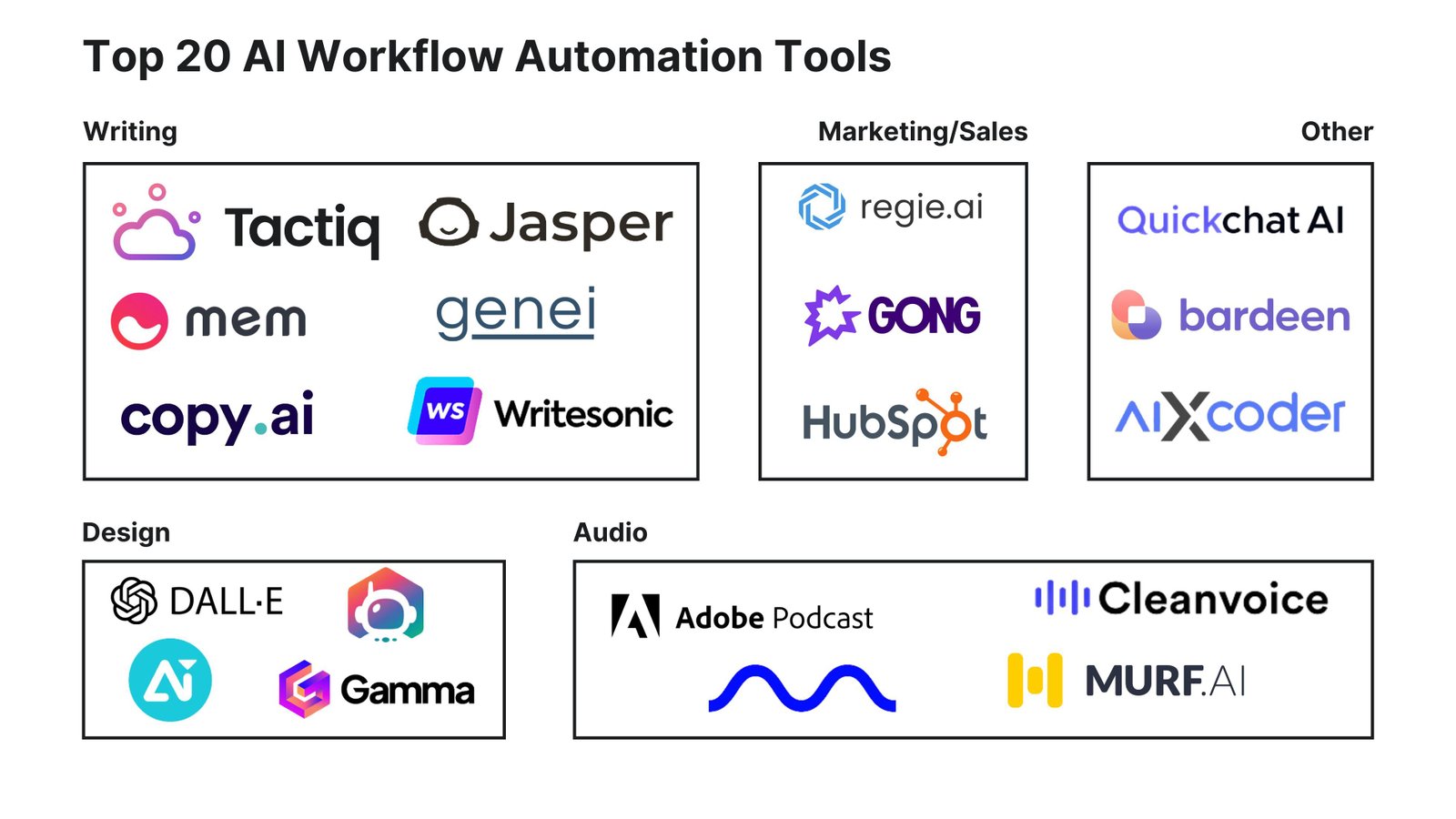
You do not need a specific tool stack to follow this method. A basic system may include a spreadsheet or project tool, an approved AI assistant, your email platform, your analytics platform, and your existing social scheduling tool.
Choose tools based on real needs, privacy, cost, integration quality, and staff skill. Avoid buying software only because it has an AI label.
30. Common AI Marketing Automation Mistakes
| Mistake | Better approach |
|---|---|
| Automating a broken process | Map and simplify the manual workflow first |
| Publishing AI output directly | Use human review for public content |
| Sharing unnecessary customer data | Use minimum data and placeholders |
| Letting AI control budgets | Keep spend decisions under human approval |
| Measuring only content volume | Track time, errors, and business outcomes |
| Using outdated source material | Maintain an approved knowledge base |
Frequently Asked Questions
What is AI marketing automation?
It is the use of AI within repeatable marketing workflows to organize information, create drafts, suggest options, summarize data, or support decisions.
What should a small business automate first?
Start with a low-risk repetitive task such as content idea grouping, first drafts, report summaries, or content repurposing.
Should AI publish marketing content automatically?
For most small businesses, public content should have human review before publishing, especially when it includes factual claims, offers, prices, or customer information.
Can AI manage paid ad budgets automatically?
AI can help analyze data, but budget changes directly affect money. Keep final spend decisions under responsible human control unless you use a tested, approved platform automation with clear safeguards.
How do I know whether automation is working?
Measure time saved, error rate, editing effort, and the business outcome connected to the workflow.
Conclusion
AI marketing automation works best when it removes repetitive effort without removing responsibility. Start with one clear task. Map the manual process. Give AI a narrow role. Keep a human in the loop for strategy, facts, privacy, public claims, and money decisions. Add quality checks and failure rules.
Then measure the result. If the workflow saves time, maintains quality, and supports better marketing outcomes, expand it carefully. A small business does not need full autonomy. It needs simple systems that help people do better work with less waste.