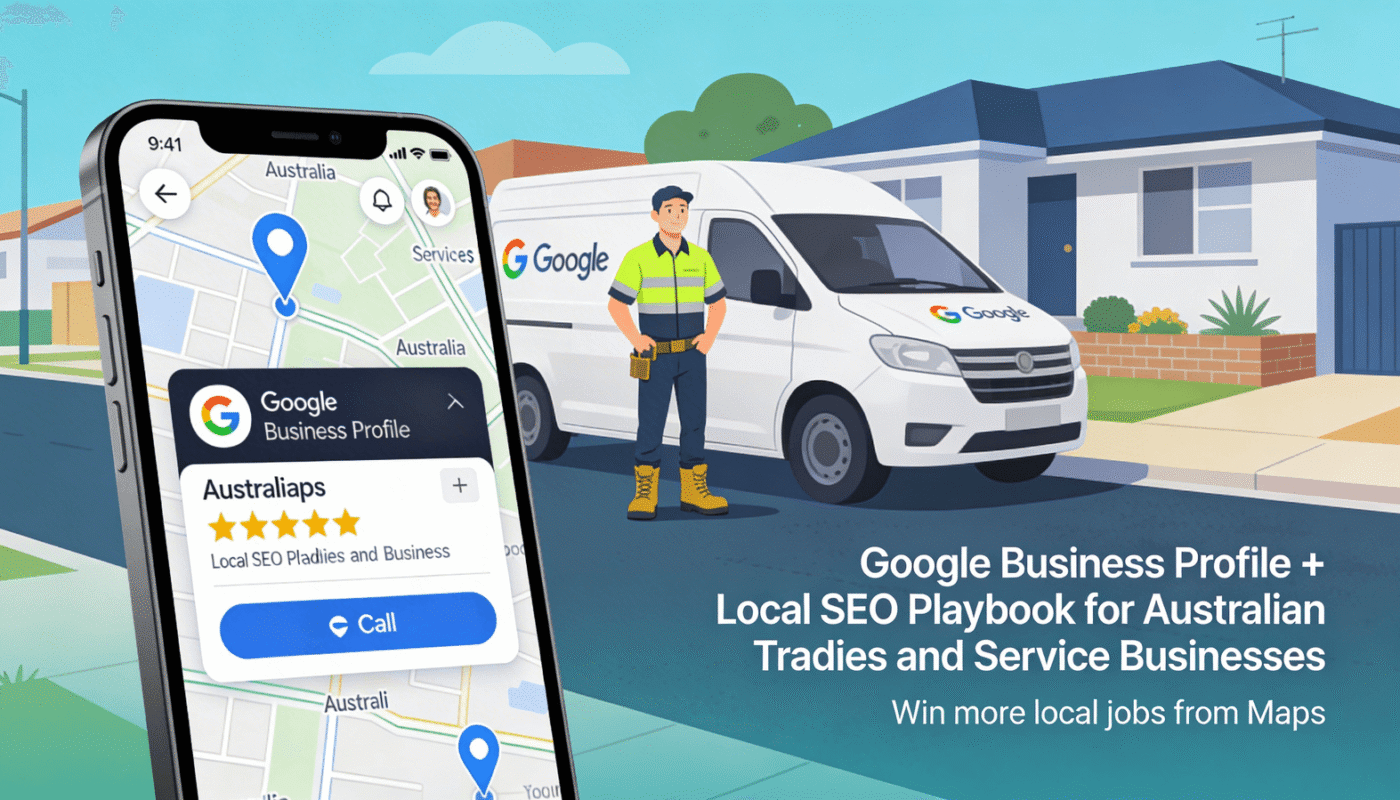
Local SEO Checklist for Small Businesses: A Practical 2026 Guide
Local search is one of the most useful ways for a small business to reach people who are ready to act. A customer who searches for a dentist, repair shop, café, accountant, salon, or local service often wants a nearby answer now. That makes local SEO less about chasing huge traffic numbers and more about helping the right person find accurate information at the right time.
The good news is that local SEO does not need a large team. It needs clear business data, useful pages, strong reviews, clean website basics, and steady work. This guide gives you a practical local SEO checklist you can follow step by step. It is written for real small businesses, not for large brands with complex teams.
You can use this checklist whether you have one shop, a service-area business, or a small company with a few locations. The aim is simple: make it easy for search engines and customers to understand who you are, where you work, what you offer, and why they can trust you.
1. Start With Accurate Business Information
Your business name, address, phone number, hours, and website should be correct everywhere they appear online. Small errors can create confusion. A wrong phone number can cost a lead. Different address formats can also make it harder to keep listings clean.
Build one master business profile
Create a simple document with your official business details. Use it as the source for every listing. Include:
- Exact business name
- Street address or service area
- Main phone number
- Primary website URL
- Opening hours
- Short business description
- Main and secondary services
- Primary category
Do not add extra keywords to your business name unless they are part of the real name. Keep the data honest and consistent.
2. Fully Complete Your Google Business Profile
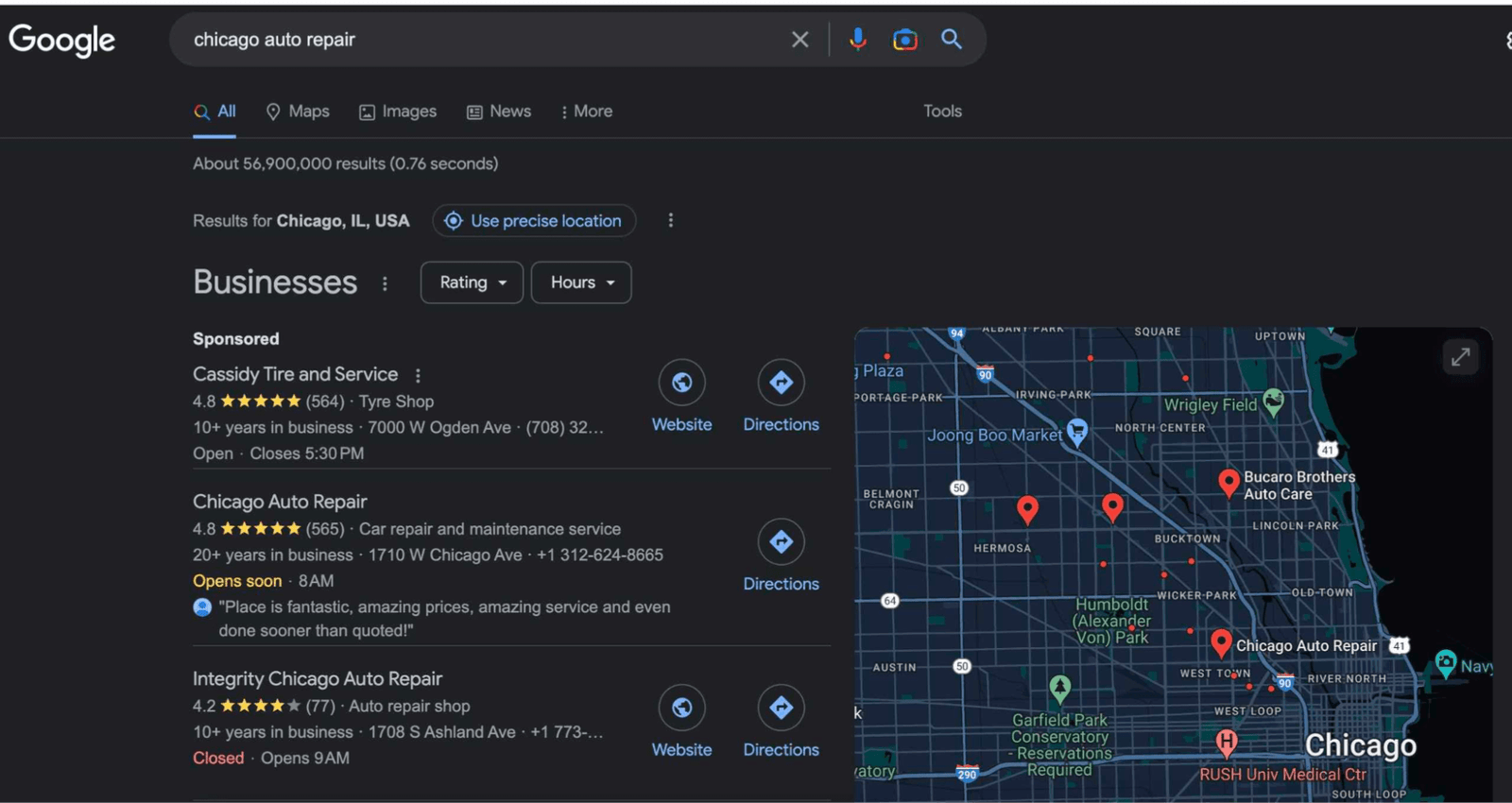
For many local businesses, the most visible listing is the profile shown in Google Search and Maps. Use the official Google Business Profile resources when you need current setup help.
Fill out every field that applies to your business. Add your real category, hours, services, contact details, photos, and website. If you serve customers at their locations, set the service area correctly. Do not show a home address if customers do not visit there.
Choose categories with care
Your primary category should describe the core business. Secondary categories can cover other real services. A plumber should not choose a broad category like “home service” if a more direct option exists. A dental clinic should not add unrelated categories just to appear in more searches.
Add useful photos
Upload clear photos of the storefront, team, products, work, rooms, menu, vehicles, or completed projects. Use real images when possible. They help a customer understand what to expect before making contact.
3. Create a Strong Local Landing Page
Your website needs a clear page that explains the service and location. If you serve one main city, your homepage may do this job. If you serve several areas, create separate pages only when each page can offer useful local value.
A good local page should answer basic customer questions fast. State what you offer, who you help, where you work, and how to contact you. Add proof such as reviews, real project examples, business hours, service details, and common questions.
Use location keywords naturally
Include phrases such as “family dentist in Austin” or “emergency plumber in Bristol” only where they fit. Do not repeat a city name in every sentence. Search engines can understand context without forced keyword use.
A natural page title may be “Emergency Plumbing Services in Bristol.” The page can then explain response areas, common repair types, booking steps, and expected service times.
4. Match Search Intent, Not Just Keywords
A local keyword tells you what a person may want. Search intent tells you why they searched. Someone who searches “best coffee near me” may want directions now. Someone who searches “cost of boiler repair in Leeds” may still be comparing options.
Build pages around these real needs. A service page should help a person decide. A guide can answer early research questions. A location page should explain local availability. A contact page should make the next step easy.
Example: a local electrician
Instead of creating ten thin pages for similar keywords, an electrician could build one strong emergency electrical repair page. It could include warning signs, service area, call-out process, safety advice, pricing factors, and an FAQ. That page solves more problems than a page that only repeats “electrician near me.”
5. Improve On-Page SEO Basics
Every important page should have a clear title, one main topic, readable headings, and useful text. Keep the URL short. Write a meta description that explains the value of the page. Add internal links from related pages.
Use your main keyword in the page title, early content, and at least one relevant heading when it reads well. Related phrases can appear naturally throughout the page. There is no need to force the same phrase many times.
Simple page checklist
- Clear SEO title
- Short, readable slug
- Useful meta description
- One main H1
- Logical H2 and H3 headings
- Helpful internal links
- Descriptive image alt text
- Visible contact method
For broader guidance, review Google Search Central, which explains how Google approaches crawling, indexing, and search-friendly content.
6. Build Local Citations on Relevant Sites
A local citation is a mention of your business details on another site. Common examples include local directories, chamber listings, trade bodies, industry platforms, and map services. The best citations are accurate and relevant.
Do not submit your business to hundreds of low-quality directories. Start with major platforms and trusted local or industry sources. The goal is not raw link volume. It is a clean and believable local footprint.
Audit old listings
Search your business name and phone number. Look for outdated addresses, old numbers, duplicate profiles, and closed locations. Correct the listings you control. When you cannot edit a bad listing, request an update from the directory.
7. Create a Review Process That Customers Can Use
Reviews help real people judge a business. They can also strengthen your local presence when they are genuine and steady. Ask satisfied customers for feedback after a completed service, purchase, visit, or support interaction.
Make the process simple. Send a direct review link after the customer has had time to use the service. Do not offer rewards for positive reviews. Do not write reviews for customers. Do not pressure people to leave only five-star feedback.
Reply to both positive and negative reviews
A short, useful reply shows that the business is active. For a positive review, thank the person and refer to the service when natural. For a negative review, stay calm. Acknowledge the issue, avoid sharing private details, and invite the customer to continue the conversation through a proper support channel.
8. Add Local Proof to Your Website
A local page becomes more useful when it shows real proof. Add photos from completed work, customer comments, team information, clear service areas, and local contact details. If you have licenses, memberships, or professional certifications, show the ones that matter.
For example, a roofing company can publish a short case study about a real roof repair. Explain the problem, the repair approach, the time involved, and the result. This helps future customers understand the service in practical terms.
9. Make Mobile Experience a Priority
Many local searches happen on phones. A user may be walking, driving, comparing nearby options, or trying to call quickly. Your site should load fast and make key actions easy.
- Use large tap targets.
- Keep phone and booking buttons easy to find.
- Avoid popups that cover the main content.
- Compress large images.
- Use readable text sizes.
- Test forms on a real phone.
You can use PageSpeed Insights to spot speed and Core Web Vitals issues. Treat the report as a guide, then test the real user experience too.
10. Add LocalBusiness Structured Data When It Fits
Structured data can help search engines understand business details. It does not guarantee a special search result, but correct markup can make your site easier to interpret.
Use the business type that matches your real operation. Keep the schema data consistent with what users can see on the page. Do not add fake ratings, services, or locations.
11. Build Internal Links Around Local Services
Internal links help visitors move between useful pages. They also help search engines understand site structure. Link your homepage to major services. Link service pages to related guides. Link local pages to relevant service pages.
Example structure
A local accounting site could link from “Small Business Accounting” to guides about bookkeeping, quarterly tax planning, payroll basics, and choosing accounting software. Each guide can link back to the main service page when the service is relevant.
Use clear anchor text. “See our small business bookkeeping service” is more useful than “click here.”
12. Publish Content Based on Local Customer Questions
Useful local content does not need to be news. It can answer common questions that customers ask before buying. Talk to staff and note the questions that come up in calls, chats, and appointments.
A home repair company might write about repair costs, warning signs, seasonal maintenance, and what to do before a technician arrives. A clinic might explain appointment preparation, insurance basics, or common treatment questions.
Choose topics that help people make safer and clearer decisions. Do not publish content just to increase page count.
13. Track Local SEO With Simple Metrics
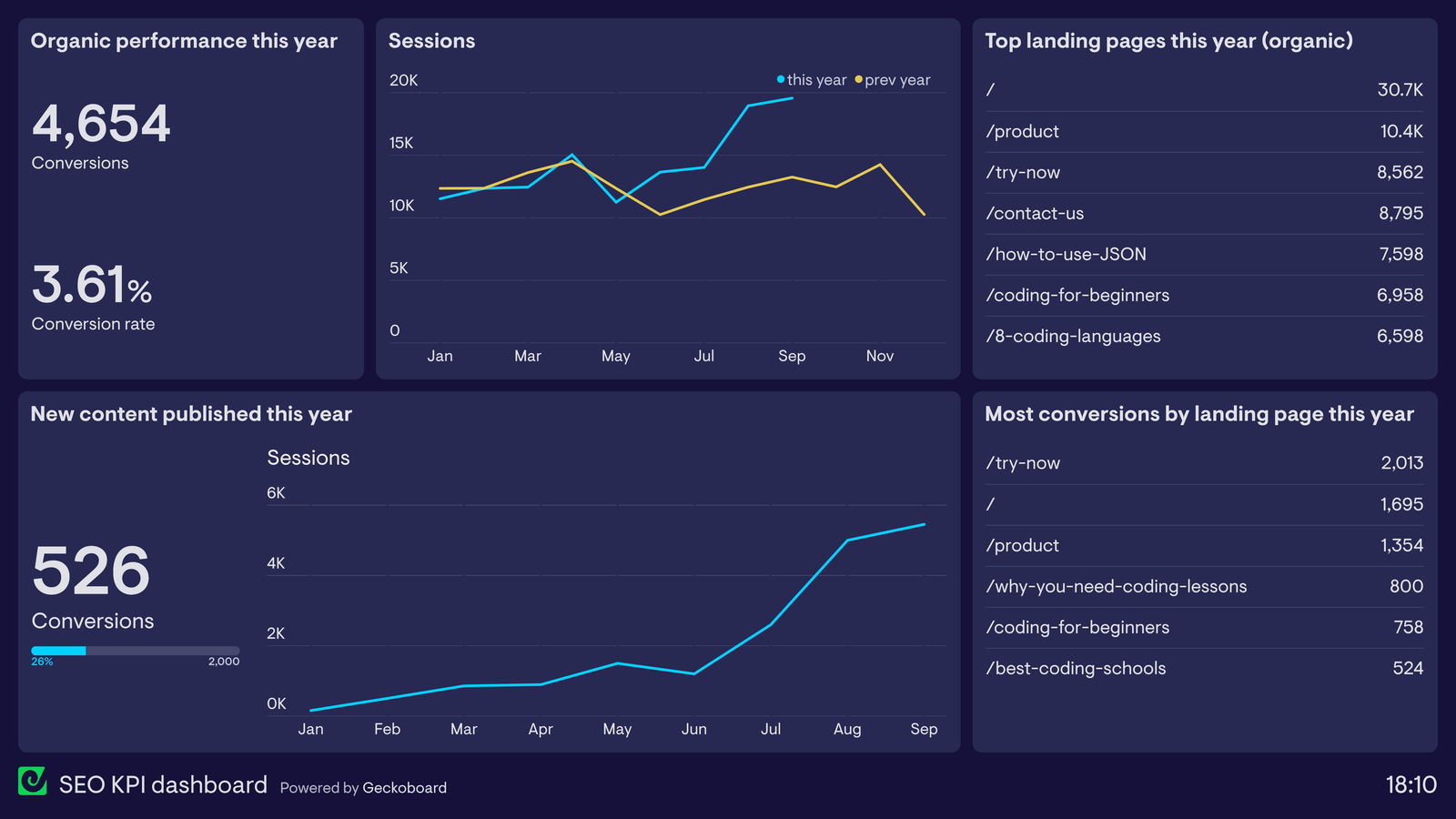
You do not need a huge dashboard. Start with a few useful signals. Track calls, contact forms, booking requests, direction actions, organic visits to local pages, and search queries that bring impressions.
Google Search Console can show search queries, pages, clicks, and impressions. Compare data over a few months rather than judging a page after a few days.
Use business outcomes as the final measure
A ranking is useful only when it supports real goals. A local page that gets fewer visits but more qualified calls can be more valuable than a blog post with large traffic and no leads.
14. Avoid Common Local SEO Mistakes
| Mistake | Better approach |
|---|---|
| Creating many thin city pages | Create fewer pages with real local value |
| Stuffing city names into headings | Use location terms only where natural |
| Using fake reviews | Build a steady process for real feedback |
| Ignoring old business listings | Audit and correct key citations |
| Tracking only rankings | Track leads, calls, bookings, and sales |
15. A 30-Day Local SEO Action Plan
Week 1: Fix the foundation
Confirm your business details. Review your Google Business Profile. Fix hours, categories, services, and website links. Check that your main local page clearly explains the business.
Week 2: Improve the website
Update titles, headings, service descriptions, contact actions, internal links, and image alt text. Test the site on a phone. Compress oversized images.
Week 3: Build trust
Ask recent customers for honest reviews. Reply to existing reviews. Add real project photos, customer proof, team details, and useful FAQs.
Week 4: Measure and expand
Review Search Console data. Find pages with impressions but weak clicks. Improve titles and descriptions where needed. Plan one or two useful local guides based on common customer questions.
Frequently Asked Questions
How long does local SEO take?
There is no fixed time. Some changes, such as corrected business details, can help quickly. Stronger visibility often takes weeks or months because search performance depends on competition, website quality, reviews, relevance, and local trust.
Do I need a page for every city I serve?
No. Create a city page only when you can offer clear local value. Avoid near-duplicate pages that only swap one city name for another.
Are reviews important for local SEO?
Yes, but reviews should be genuine. They help potential customers judge the business and can support a stronger local presence.
Should I put my city name in every heading?
No. Use location terms where they help the reader. Repeating them too often makes the page harder to read.
Conclusion
Local SEO works best when it makes a business easier to understand and easier to trust. Start with accurate details. Build a complete business profile. Create useful local pages. Earn real reviews. Keep your site fast and mobile-friendly. Then track calls, forms, bookings, and other actions that matter.
Do not try to finish everything in one day. Use the checklist in order. Fix the basics first, then improve content and trust signals over time. A small business with clear information and genuinely useful pages can compete well in local search without turning SEO into a full-time job.