Conversion Tracking for Google Ads and Meta Ads: A Practical Setup and Audit Guide
Paid advertising becomes difficult to manage when you cannot trust the numbers. A campaign may show clicks, impressions, and low cost per click, but those metrics do not tell you whether the ads created useful leads or sales. That is why conversion tracking for Google Ads and Meta Ads is one of the most important parts of a paid media setup.
Conversion tracking connects an ad interaction with a business action. That action may be a purchase, completed lead form, booked appointment, qualified phone call, trial activation, or another result that matters to the business.
This guide explains how to plan conversion actions, install tracking, prevent duplicate events, test the setup, and audit data before making budget decisions. The focus is practical. You do not need to become an analytics engineer to build a cleaner measurement system.
Start With the Business Action, Not the Tracking Tool
Before opening an ad platform, define what a real conversion means for the business. Many accounts track too many small actions as primary goals. That can make a campaign look successful even when it is not creating meaningful outcomes.
For a local service business, a primary conversion might be:
- a completed quote request
- a booked appointment
- a phone call longer than a useful threshold
For an ecommerce store, the primary conversion is usually a completed purchase. Add-to-cart and checkout-start events are still useful, but they are earlier steps.
For a software company, a primary conversion may be a paid subscription or qualified demo booking. A simple page view is not enough.
Primary vs Secondary Conversions
A clean measurement plan separates actions that should guide bidding from actions that are useful for analysis.
Primary conversions
These are the actions you want the ad platform to optimize toward. They should represent strong business value.
Secondary conversions
These help you understand the journey but may not be strong enough to guide automated bidding. Examples include viewing a pricing page, watching a product video, or starting a form.
If every small action is treated as a primary conversion, automated systems may optimize toward easy but low-value behavior.
Build a Simple Conversion Measurement Plan
Create a small table before implementation.
| Business action | Platform event | Primary? | Value |
|---|---|---|---|
| Lead form completed | generate_lead | Yes | Estimated lead value |
| Phone call over threshold | call conversion | Yes | Estimated call value |
| Pricing page viewed | view_pricing | No | Optional |
| Purchase | purchase | Yes | Transaction revenue |
This plan keeps your tracking aligned with business goals.
Understand the Main Tracking Layers
A typical setup may involve several systems:
- Google Ads
- Google Analytics
- Google Tag Manager
- Meta Business Suite and Events Manager
- your website or ecommerce platform
- your CRM or booking system
You do not need every tool for every business. The right stack depends on the site, campaign, and data requirements.
Google Ads Conversion Tracking: Practical Approach
Google Ads can track conversions using the Google tag, Google Tag Manager, imported analytics events, phone-call tracking, and other supported methods.
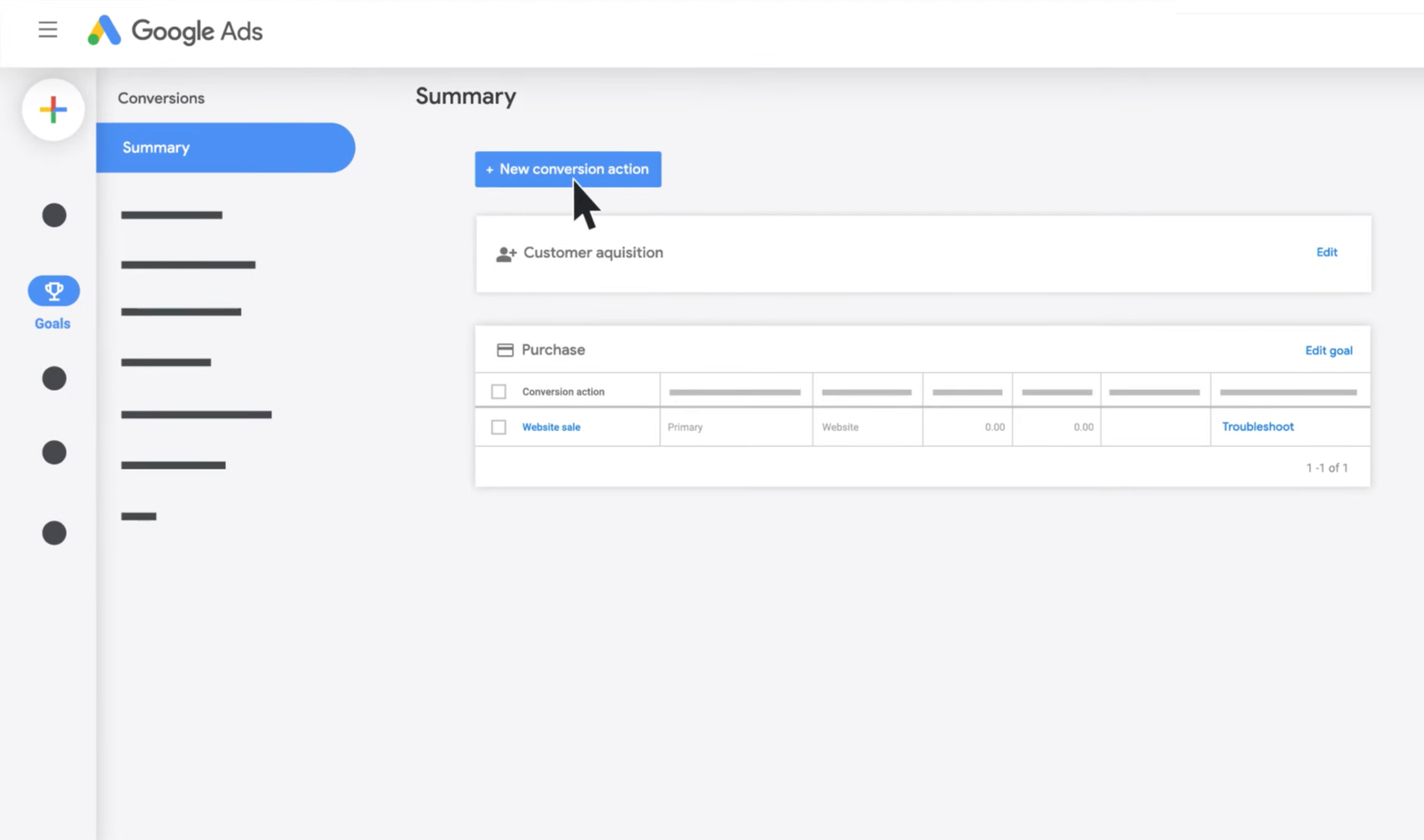
Step 1: Create the conversion action
Inside Google Ads, define the action you want to measure. Choose the category that best matches the business result, such as purchase, lead, sign-up, or contact.
Step 2: Choose a value strategy
If every conversion has a known value, pass that value. Ecommerce purchases should normally use real transaction revenue when the implementation supports it.
For leads, you may use an estimated value if you have enough business data. For example, if one out of five qualified leads becomes a customer worth $500 in gross value, the rough expected value of a qualified lead could be $100 before accounting for margin and other costs.
Step 3: Decide the count setting
For purchases, counting every transaction often makes sense. For lead forms, counting one conversion per ad interaction may be more useful if repeated submissions from the same person are not separate business outcomes.
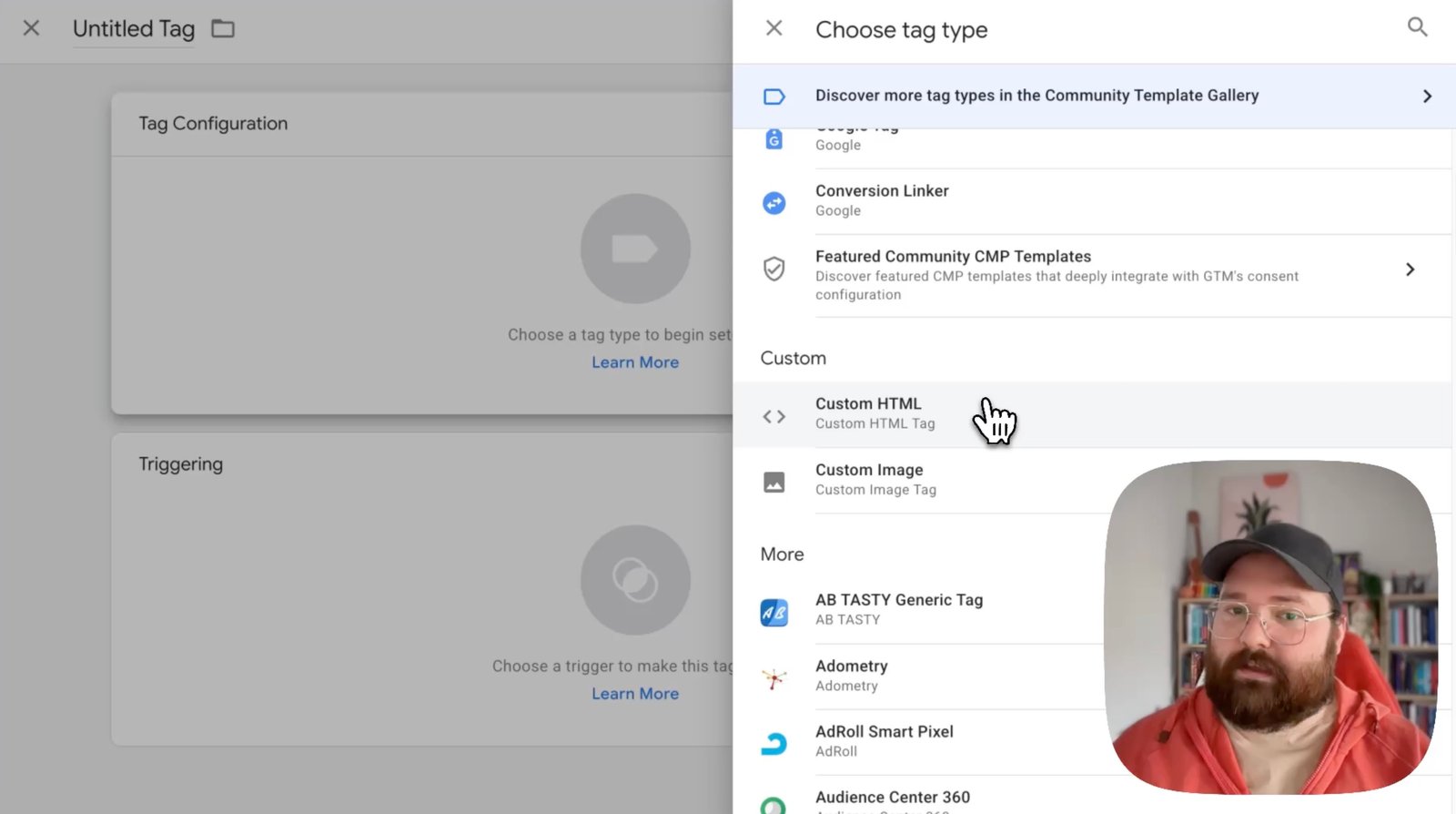
Step 4: Install the tag or event
Place the conversion event only when the actual action is complete. Do not fire a lead conversion merely because someone loaded the contact page.
Meta Ads Conversion Tracking: Practical Approach
Meta commonly uses the Meta Pixel and, when appropriate, server-side events through the Conversions API.
Use standard events when they fit
Events such as Purchase, Lead, CompleteRegistration, AddToCart, and InitiateCheckout have established meanings. Use them when they match the real action.
Do not fire Purchase before payment succeeds
A purchase event should represent a completed transaction, not a checkout page visit. If payment fails or the order is abandoned, the event should not be counted as a completed sale.
Consider browser and server event deduplication
If the same conversion is sent through both browser and server methods, the setup needs a deduplication approach so one purchase does not become two.
This is especially important when using Meta Pixel together with Conversions API.
Google Tag Manager Can Simplify Website Tracking
Google Tag Manager lets many businesses manage tags without editing theme files for every change. It can listen for form submissions, button clicks, page views, custom data layer events, and ecommerce events.
However, Tag Manager does not automatically make tracking accurate. The trigger must still represent the correct user action.
Example: lead form
A weak trigger fires when the user clicks the submit button. This can count people whose form fails validation.
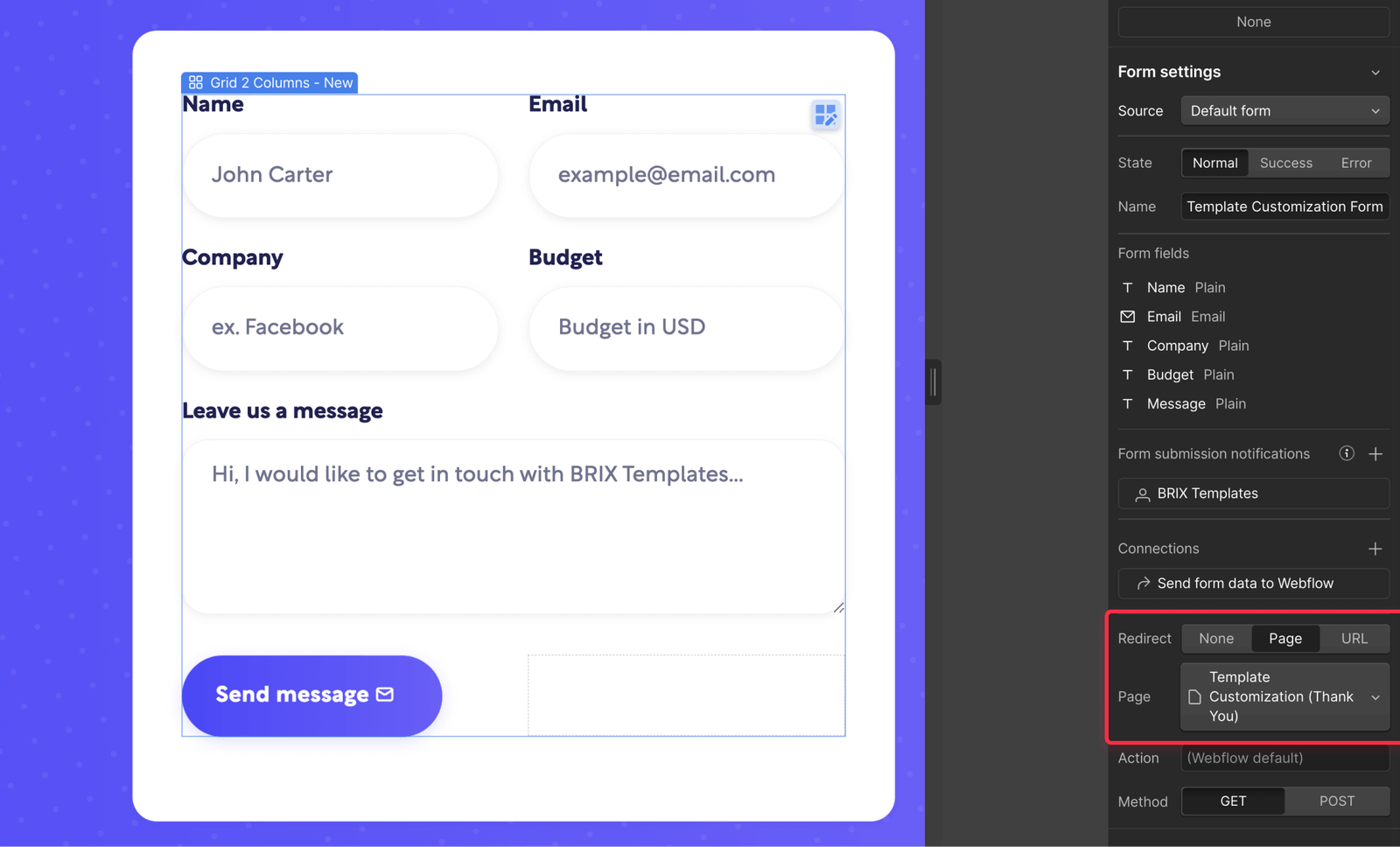
A stronger trigger fires after the form reports a successful submission or after the user reaches a unique confirmation state.
Use Thank-You Pages Carefully
A dedicated thank-you page can make lead tracking simple. The conversion fires when the page loads after a successful form submission.
But this method has limits. If users can refresh or revisit the thank-you URL, you may count extra conversions unless the setup handles that case.
For more complex systems, a successful form event or server-confirmed action may be more reliable.
Track Phone Calls That Have Real Value
Phone calls can be a major conversion for local businesses. A five-second wrong-number call should not carry the same meaning as a six-minute service inquiry.
Where supported, use a minimum call duration that reflects a realistic qualified conversation. Review recordings or call outcomes only when your legal and privacy practices allow it.
Assign Conversion Values With Care
Values help automated bidding understand that some actions matter more than others.
For ecommerce, pass actual transaction value when possible. For lead generation, use historical close-rate and customer-value data.
Simple lead value example
A business receives 100 qualified leads. Twenty become customers. The average gross profit per customer is $600.
Expected gross profit per qualified lead is:
20 customers × $600 = $12,000
$12,000 ÷ 100 leads = $120 per qualified lead
This does not mean you should pay $120 per lead. You still need margin for overhead, sales costs, and profit. But the estimate gives a more useful starting point than assigning every lead an arbitrary $1 value.
Prevent Duplicate Conversion Events
Duplicate events are common and can mislead both reporting and automated bidding.
Typical causes include:
- the same tag installed in both theme code and Tag Manager
- a plugin and manual implementation firing the same event
- browser and server events without deduplication
- a thank-you page that counts every refresh
- multiple triggers reacting to the same action
Practical duplicate check
Complete one test conversion yourself. Then inspect the browser debugging tools and platform diagnostics. If one real action produces two or three events, fix the implementation before trusting campaign results.
Use Test Tools Before Launching
Most major platforms offer diagnostics.
- Use Google Tag Manager preview mode to inspect tags and triggers.
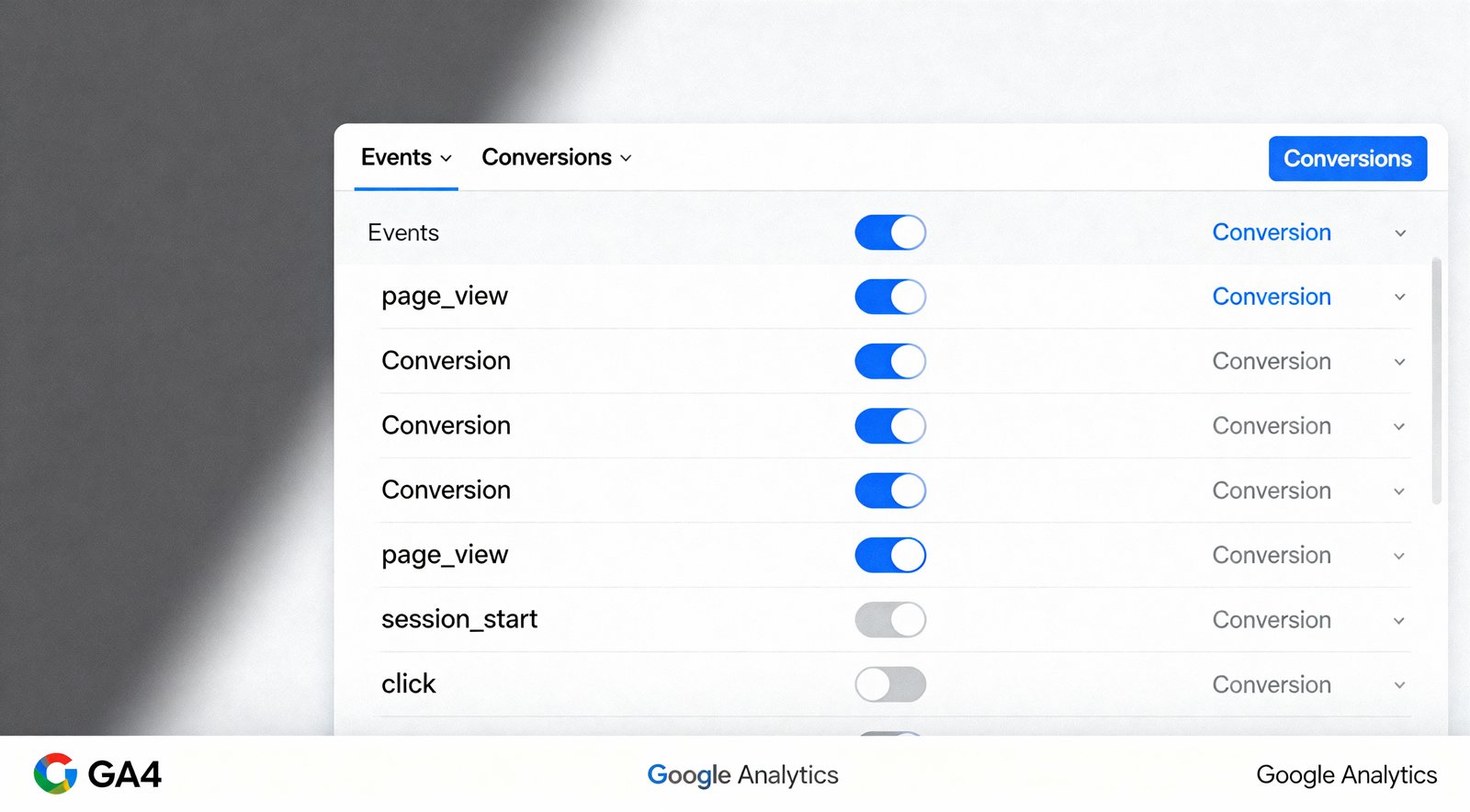
- Use Google Ads conversion diagnostics after implementation.
- Use Meta Events Manager testing tools to inspect event receipt.
- Use browser developer tools when deeper debugging is needed.
A test should cover both successful and unsuccessful journeys. For example, submit a valid form and then try an invalid form. Only the successful completion should count as the primary lead.
Cross-Domain and Third-Party Booking Issues
Some businesses send users from the main site to another domain for payment, appointment booking, or checkout. That transition can break attribution if the analytics and ad setup is not configured correctly.
Examples include:
- a salon using an external booking platform
- a hotel using a separate reservation engine
- a course creator using a hosted checkout
- a SaaS business using a different app subdomain
Test the full journey. Do not assume tracking survives the handoff.
Consent and Privacy Matter
Measurement must respect applicable privacy laws, user choices, and platform requirements. Your business may need a consent mechanism depending on location and data practices.
Google provides information about Google privacy and data practices, while Meta publishes its own business and privacy documentation. Consult qualified legal guidance when your obligations are unclear.
Do not treat tracking accuracy as permission to collect unnecessary data.
Audit Attribution Expectations
Google Ads, Meta Ads, analytics software, and your CRM may report different conversion totals. That does not always mean one system is broken.
Differences can come from:
- different attribution windows
- view-through conversions
- cross-device behavior
- cookie and consent limits
- time zone differences
- different definitions of a conversion
Your CRM or order system should usually be the final source for actual revenue and customer status.
Connect Leads to Sales When Possible
Counting form submissions is useful, but a business can learn more by connecting leads to downstream outcomes.
Track stages such as:
- lead received
- lead qualified
- appointment completed
- proposal sent
- customer won
- revenue collected
This can reveal that one campaign generates fewer leads but better customers.
Real-World Scenario: Dental Practice
A dental practice runs Google Ads and Meta Ads. Both platforms report many leads, but the front desk says appointment volume has not changed.
An audit finds three issues:
- the lead event fires on the contact page rather than after form completion
- clicks on the phone icon are counted as completed calls
- Meta Pixel is installed through both a plugin and Tag Manager
The practice changes the setup so the lead event fires only after successful submission. It tracks actual call conversions through a supported call method and removes the duplicate Meta installation.
Reported conversions drop, but the new data is more useful. The business can now compare spend with real appointments.
A Monthly Conversion Tracking Audit Checklist
- Complete one test conversion for every primary action.
- Confirm each action fires once.
- Check transaction values and currency.
- Review new website forms or checkout changes.
- Inspect Google Ads diagnostics.
- Inspect Meta Events Manager diagnostics.
- Compare ad-platform totals with CRM or order data.
- Check phone-call tracking.
- Verify consent behavior where applicable.
- Confirm old tags have not been reintroduced.
Common Conversion Tracking Mistakes
- Counting page views as leads
- Tracking button clicks instead of successful outcomes
- Firing purchase before payment confirmation
- Installing duplicate tags
- Using the wrong currency
- Failing to pass transaction value
- Optimizing toward low-value secondary actions
- Ignoring CRM outcomes
- Not testing after a website redesign
- Assuming platform totals should match exactly
FAQs About Paid Ads Conversion Tracking
Should I use Google Ads tracking or import conversions from Google Analytics?
Both approaches can work. Choose a setup that fits your measurement plan and avoids duplicate primary conversions. Keep definitions consistent.
Do I need Google Tag Manager?
No. It is useful for many sites, but direct platform integrations or plugins may be enough. Use the simplest reliable setup you can maintain.
What should I do if Google Ads and Meta Ads claim the same sale?
Understand that each platform may use its own attribution model. Use your backend sales data for total revenue and compare platforms with consistent internal rules.
How often should conversion tracking be tested?
Test after launch, after website or plugin changes, and on a regular audit schedule. Monthly checks are a practical starting point for active advertisers.
Can bad tracking hurt automated bidding?
Yes. If false or duplicate conversions are marked as primary goals, automated bidding can optimize toward the wrong behavior.
Conclusion
Good conversion tracking does not begin with a pixel. It begins with a clear definition of business success. Decide which actions matter, separate primary from secondary events, install tracking at the true completion point, and test every path.
Then compare advertising data with real customer and revenue outcomes. A smaller number of accurate conversions is more valuable than a large number of misleading events. When Google Ads, Meta Ads, analytics, and your CRM are connected by clear definitions, campaign decisions become much more useful.